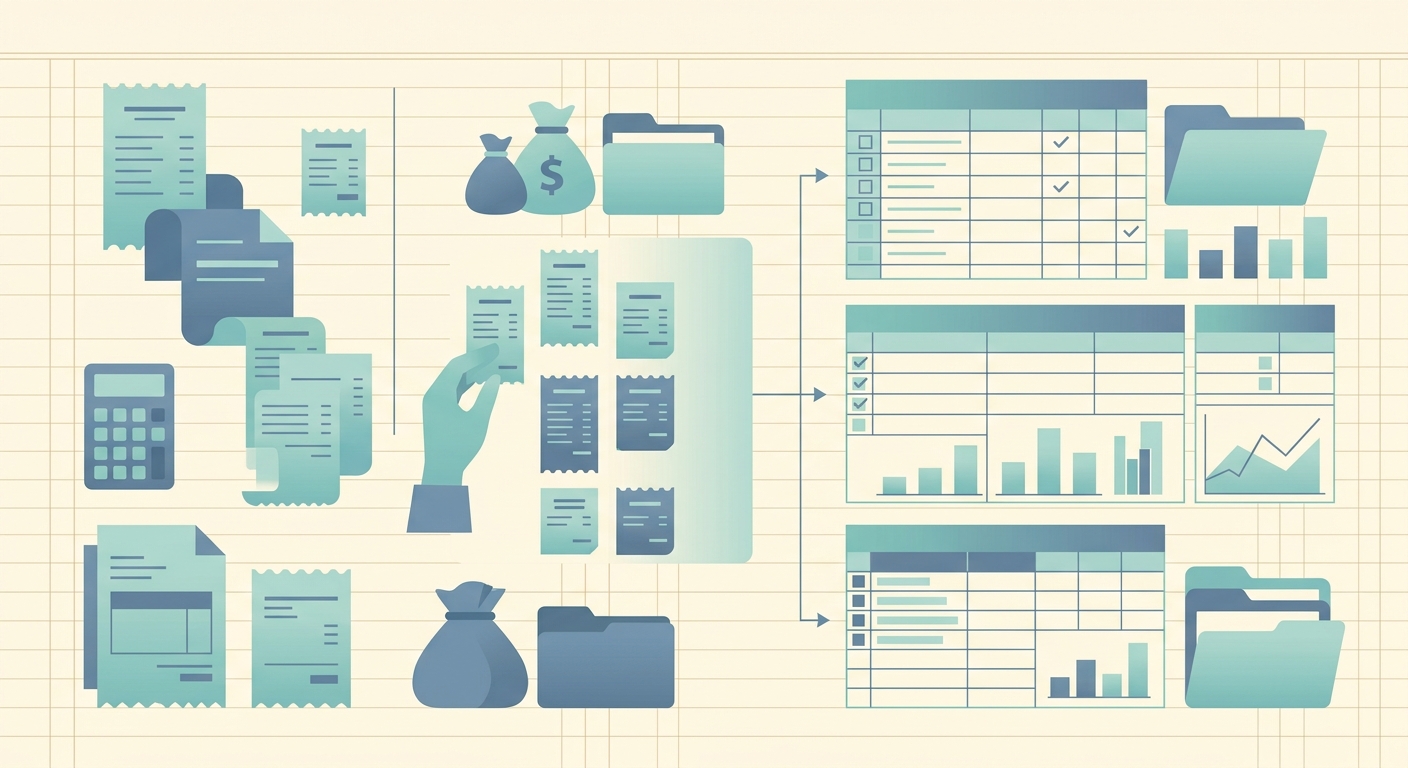
If you've ever handed a shoebox of receipts to your accountant and watched them sigh, you already know why preparation matters. Crumpled thermal paper, faded ink, and mystery line items cost billable hours; a clean folder of structured data cuts that time to a fraction. This guide walks through how to prepare receipts for your accountant in a way that saves you money on prep fees and gives your bookkeeper exactly what they need to close the books.
What you need before you start
You don't need a scanner, an OCR subscription, or a dedicated laptop. You need three things:
- A way to capture each receipt (your phone camera is fine for most).
- A consistent destination for the captured data, ideally a spreadsheet your accountant can read.
- A category scheme, even a rough one (meals, travel, supplies, utilities, mileage, etc.). Your accountant can refine it later, but having a starting taxonomy beats a free-for-all.
If you already use a tool that reads the receipt and pulls out the merchant, date, total, and tax, you can skip the manual data entry steps below. SlipSheet does this in one pass; if you're typing it all in by hand, budget an afternoon for a typical small-business month.
Step 1: Gather every receipt you have
Start with a single pile. Pull receipts from your wallet, your car, your email inbox, your venmo and paypal feeds, and any paper folders you've been keeping. The goal is one stack. Don't organize yet; just collect. If a receipt is on a thermal printer and the print is fading, snap a photo of it today, before the heat or the sun makes it unreadable; thermal prints vanish in weeks, not years.
Set a soft cut-off. If your accountant only needs through the end of last month, anything older than that goes in a separate archive pile. Don't throw old receipts away; just don't mix them into the active prep work.
Step 2: Capture or scan each receipt
Go through the pile one receipt at a time. For each one, capture it in whatever tool you've chosen:
- Open the camera or app.
- Lay the receipt flat, frame the whole thing, and snap.
- Confirm the capture landed (a thumbnail, a "saved" indicator, anything that proves it's stored).
- Set the receipt aside in a "done" pile.
SlipSheet is built for this loop. You point it at a receipt, it reads the merchant, date, total, tax, and payment method, and it writes a row to your spreadsheet. Multi-receipt mode lets you fire a stack of photos in a few seconds rather than typing each one in. If you're using a generic scanner app, you'll do the capture step but skip the extraction; plan on entering the data manually in step 3.
Step 3: Review the extracted fields
This is the step most people skip, and it's the one that separates a clean handoff from a sloppy one. For each row, take ten seconds to confirm four things:
- The merchant name is spelled correctly.
- The date is right (OCR misreads "08/06" as "06/08" more often than you'd think).
- The total is the post-tax, post-tip total, not the subtotal.
- The category matches how your accountant will report it.
If anything is wrong, fix it now, while the receipt photo is still on your screen. Editing later means hunting through photos, which is exactly the kind of friction you were trying to avoid.
Step 4: Export or share the data
Once the rows are clean, export. The format depends on what your accountant prefers:
- CSV or Google Sheets: universal, opens in any tool. Most bookkeepers default to this.
- Excel: same as above with a slightly nicer experience for some teams.
- QuickBooks-ready file: if your accountant uses QuickBooks, a QBO or properly formatted IIF/CSV import saves them an hour per month.
Share via a link (SlipSheet can generate a read-only Google Sheets link), an email attachment, or a shared drive folder. Avoid sending screenshots of spreadsheets; data needs to be machine-readable to be useful at tax time.
Common mistakes to avoid
- Throwing receipts away after capturing. Keep the originals until your accountant confirms the books are closed for the period. The IRS can ask for the source document, not just the spreadsheet row.
- Merging personal and business spending. Tag business expenses clearly. A column for "personal" or a separate spreadsheet is fine; ambiguity is what makes audits expensive.
- Forgetting the small stuff. A $4 coffee here, a $9 toll there; small receipts add up and are deductible. Skim your bank statement for charges with no matching receipt; those are the gaps to fill.
- Waiting until year-end. Doing this monthly takes 30 minutes. Doing it for a full year takes a Saturday you don't have. Pick a recurring calendar slot and protect it.
What to hand off to your accountant
When the data is clean and exported, send your accountant:
- The spreadsheet (CSV, Google Sheets, or Excel).
- A brief note on the category scheme you used, especially anything unusual (a "client gifts" column, a "home office internet %" column, etc.).
- Confirmation that the originals are kept for the retention period your accountant requires; in the US, that's typically three years from the filing date, seven for losses.
That's it. A clean spreadsheet with a category key, plus originals on file, is what 90% of small-business accountants actually need to file cleanly. Anything more elaborate is overhead; anything less is rework.
If you'd rather skip the manual entry loop entirely, SlipSheet captures receipts, reads the fields, and exports a clean spreadsheet in one pass; it takes about ten minutes to set up and saves the rest of the month of prep time. Try the 14-day trial and see how much smoother your next accountant handoff goes.
FAQ
How long should I keep original receipts after scanning them?
Keep originals for at least three years from the tax filing date in the US; seven years if you had a loss you wrote off. Your accountant can confirm the exact period for your situation.
Do I need a real scanner, or is a phone camera enough?
A phone camera is fine for most receipts. Lay the receipt flat, frame the whole thing, and use good lighting. For thermal prints, photograph them within a few weeks; the print vanishes faster than you'd expect.
What's the best format to send receipts to my accountant?
CSV or Google Sheets is the safest default; most bookkeepers can read either. If your accountant uses QuickBooks, ask whether they prefer a QBO import or a structured CSV.
Can I mix personal and business receipts in the same sheet?
It's better to keep them separate. A 'personal' column or a second sheet for personal spending makes it obvious what flows into the business return, and it saves your accountant from second-guessing every row.
How far in advance should I prepare receipts for my accountant?
Monthly is the sweet spot for most small businesses; one weekend per month of 30-60 minutes keeps the books current and avoids a painful year-end catch-up.