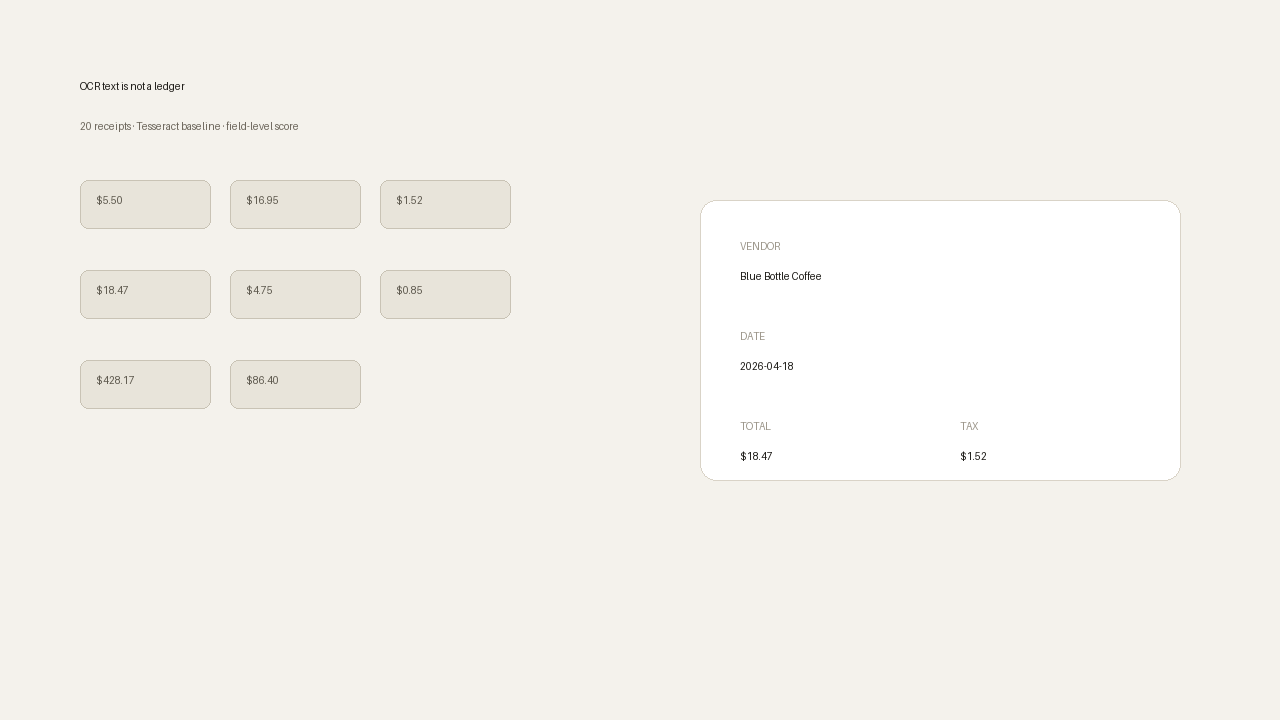
We dumped 20 receipts into a plain OCR pipeline and asked a simple question: how much of a ledger do you actually get?
Not a product demo. A fixed corpus, ground truth, and field-level scores. The short version: the grand total can look perfect while the rows you need for taxes are still wrong, and a searchable folder of OCR text is still a shoebox.
What we ran
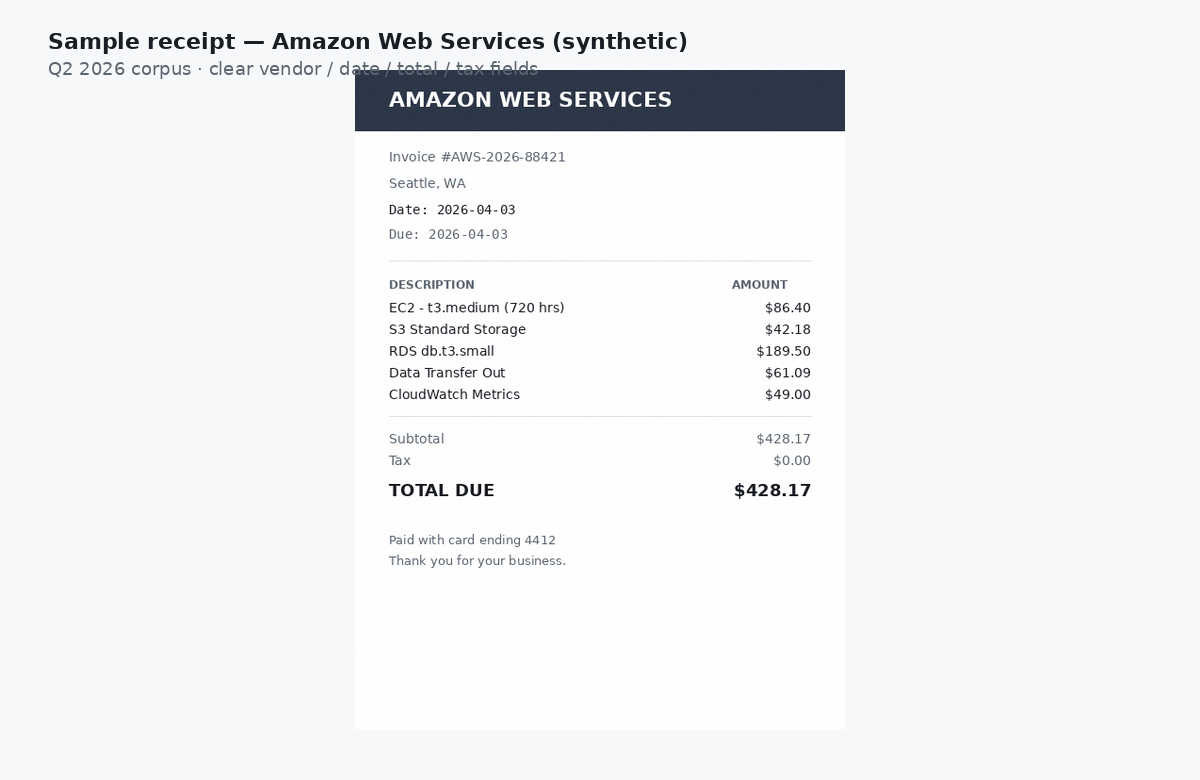
Twenty synthetic but realistic receipt PNGs (SaaS invoices, coffee, rideshare, office, hardware). Dates across Q2 2026. Ground truth for vendor, date, total, and tax on every slip.
OCR: Tesseract 5.5.0, grayscale, 2× upscale. Then a dumb heuristic parse (regex dates and dollar amounts, TOTAL line, TAX line). That is the “Google Drive / dump files and extract text” baseline, not a paid document AI and not Slipsheet’s own extractor.
Field accuracy
Vendor 95%. Date 100%. Total 100%. Tax 60%. All four fields correct on 11 of 20 receipts (55%).
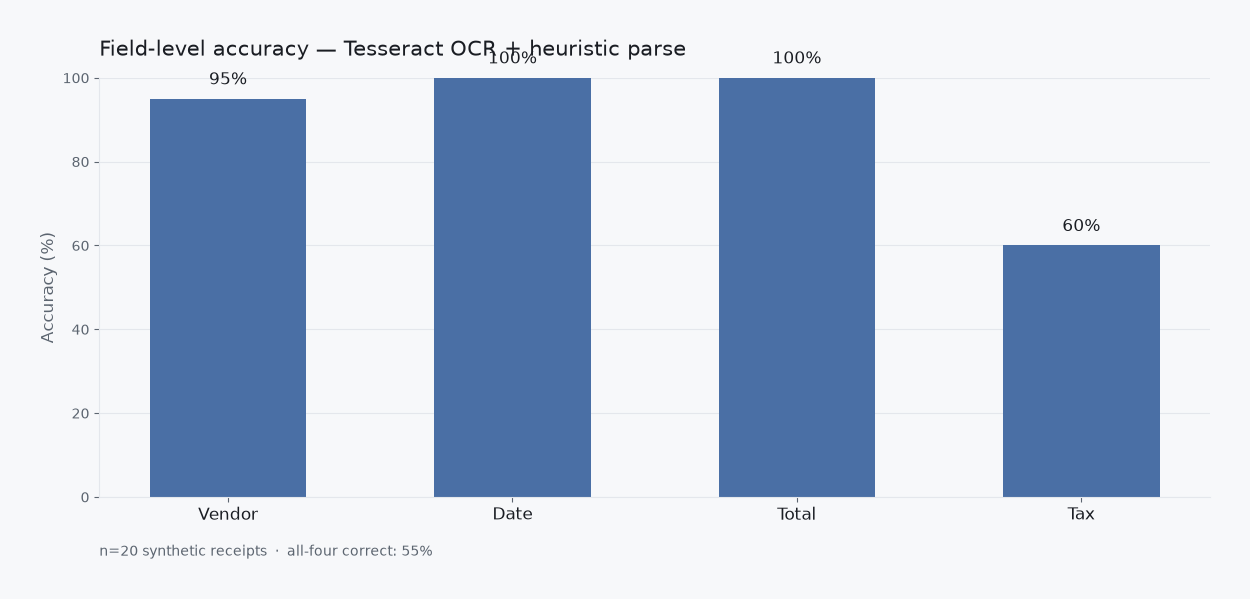
Several tax misses were zero-tax SaaS invoices where the parser returned no tax instead of $0.00. That is not a rounding error. It is a missing column. Bookkeeping does not treat “blank” and “zero” as the same thing.
The sum can lie to you
Ground-truth Q2 sum: $2,034.43. OCR-parsed sum of totals: $2,034.43. Absolute error on the sum: $0.00.
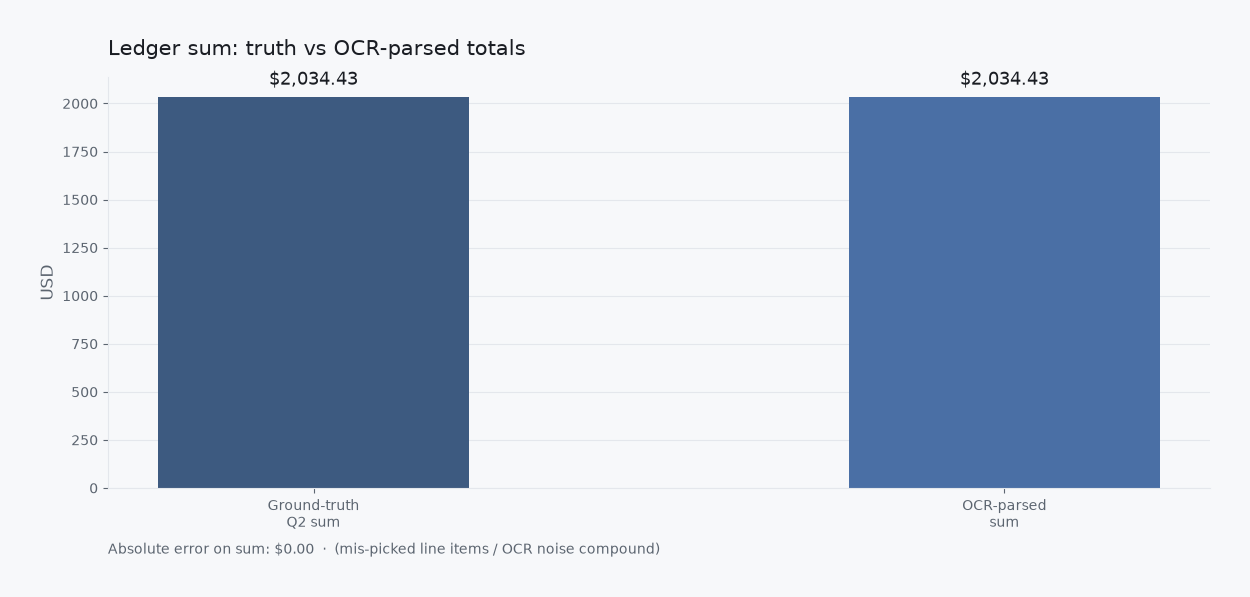
If you only check whether the month “adds up,” you can feel done and still be wrong on tax, vendor naming, or which line was the real total.
What a Drive folder actually gives you
Treat the OCR text like a searchable Drive dump and grep for currency-looking amounts. Every receipt (20/20) had two or more. Average: 6.05 matches per slip. Corpus-wide: 121 dollar-like hits for 20 true totals.
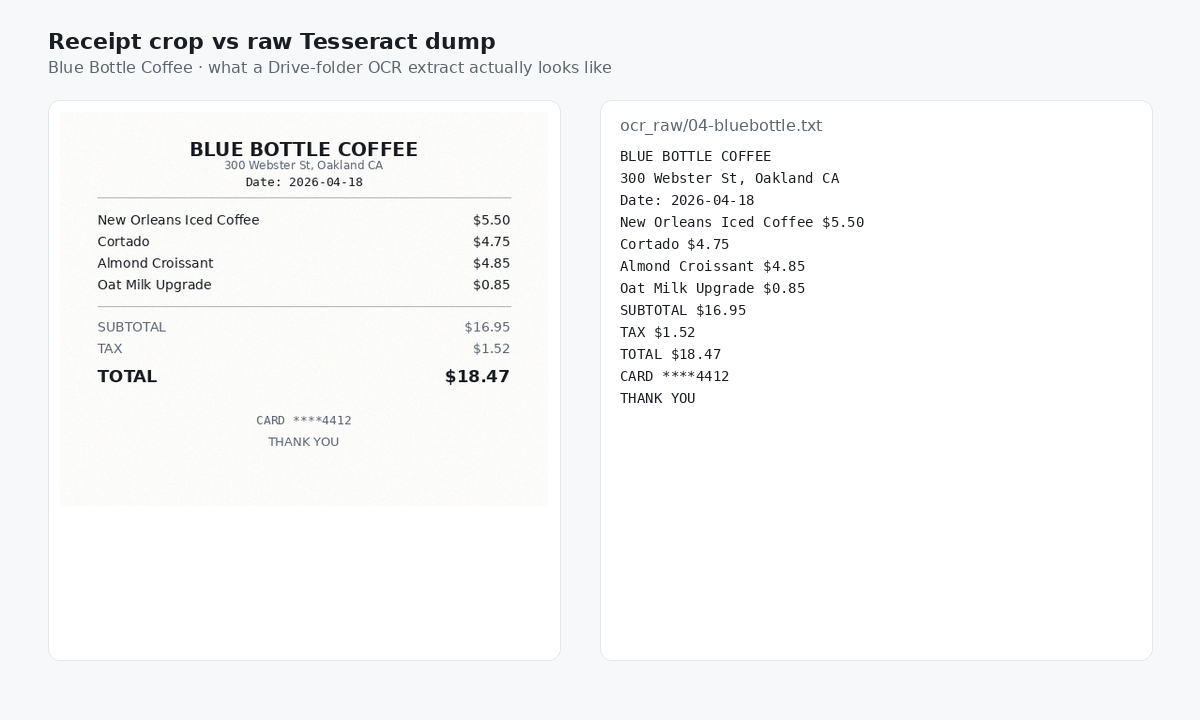
That is the inbox problem in another costume. Forwarding receipts into Drive (or a Gmail label) feels organized. You still have to decide which number is the total, which is tax, and which vendor string survives OCR noise.
What a ledger requires
A ledger row is boring on purpose: vendor, date, total, tax, category, maybe a client. Exportable. Reviewable. Not a pile of text files with six dollar signs each.
If you want that without rebuilding spreadsheet hell every month, capture the slip (photo, PDF, or forward to receipts@slipsheet.app), review the extracted fields, and export CSV. OCR is the mechanism. The product is the row.
Method and caveats
- Synthetic PIL receipts with light noise, not restaurant lighting disasters.
- Tesseract + heuristics only. We did not score Expensify, Shoeboxed, or other paid apps in this run.
- Vendor match was casefold exact against ground truth (one Slack header OCR’d into a broken name).
- Reproducible on our machine in about 9.4 seconds for the OCR pass.
Next time we will run the same 20 slips through a messier capture path (phone photos, email PDFs) and publish the delta. Same corpus. Harder inputs.