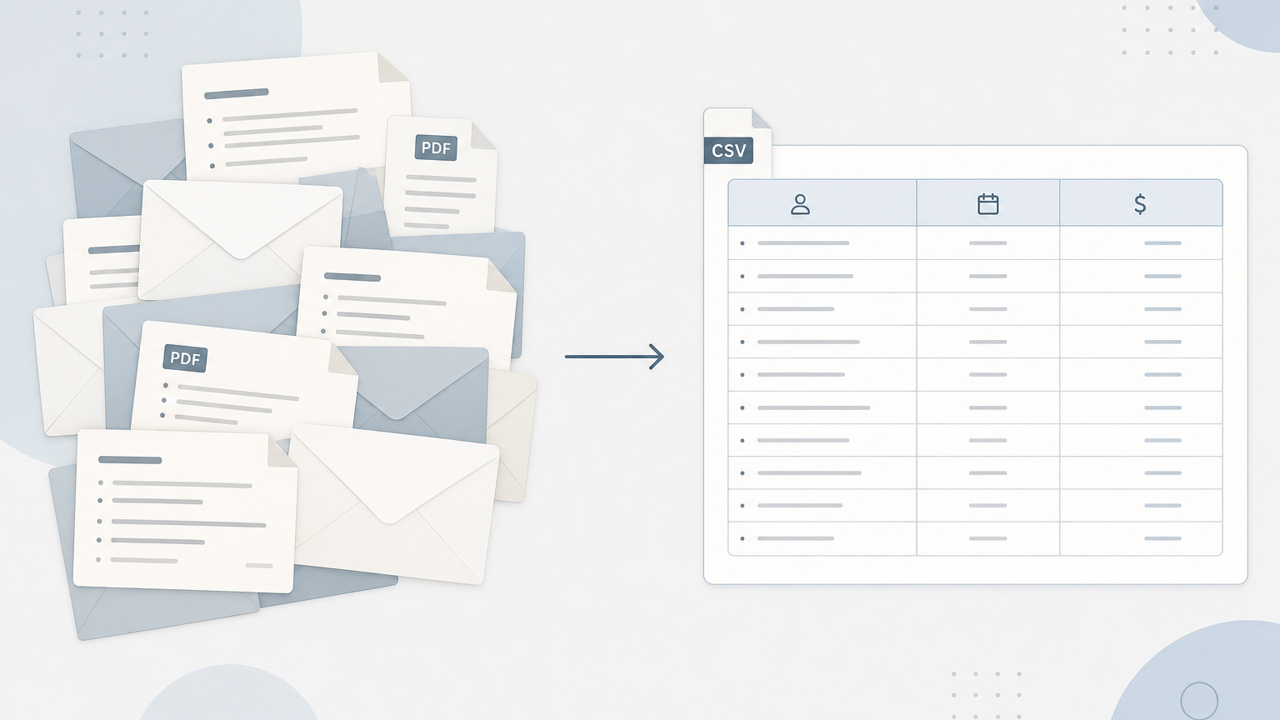
Your inbox is full of receipts. That does not mean you have a ledger.
Uber. AWS. The laptop from last March. Each one arrived as an email, sat in a folder named Receipts, and waited for the night you would sort them. You will not sort them. Search will find the Uber. It will not tell you what you spent on software in Q2.
Forwarding every receipt into one address feels organized. It is still a shoebox. The cardboard is Gmail.
An inbox answers “did this arrive?” A ledger answers “what did I buy?”
Email is good at delivery. Subject lines, attachments, threads. It is bad at the questions month-end actually asks:
- Vendor, not “Your Amazon.com order.”
- Date of the purchase, not the day the PDF showed up.
- Total and tax, not a screenshot buried three scrolls down.
- Category and client, if you bill anyone but yourself.
A search for “receipt” returns 400 messages and zero columns. That is how a freelancer ends up retyping the same PDF into a spreadsheet at 11pm.
What “I forward everything” usually becomes
A dedicated inbox, or a label, or a rule that dumps PDFs into a Drive folder. Three months later the folder has 218 files named Invoice.pdf. One is a duplicate. Two are shipping confirmations. The $89 tool you need for a reimbursement is in a thread you archived because the subject said “Thanks for your order.”
Email receipt forwarding is not wrong. It is unfinished. Capture without extract is just a taller pile.
There is already a thin page comparing forwarding products. This page is the problem those pages skip: the pile never becomes rows.
What “done” looks like
Not a cleaner inbox. A table you can hand to your bookkeeper or paste into Sheets:
- Vendor
- Date
- Total
- Tax
- Category
- Optional: client, project, reimbursable flag
Paper slips and phone snaps belong in the same table. The format of the capture should not decide whether the expense exists.
Forward, review, export
Slipsheet is built for that unfinished step. Forward a receipt to receipts@slipsheet.app, drop a PDF, or photograph a paper slip. It pulls vendor, date, total, tax, category, and line items into a review queue. You fix what is wrong. Then you export a CSV instead of hunting PDF filenames.
You still have to glance. A wrong total is cheaper to catch in a queue than in April. The point is not magic. The point is that the shoebox stops being the system of record.
A few straight answers
Can I keep using my Receipts label?
Yes. Treat it as a backup mailbox. Do not treat it as the ledger. The ledger is the export.
What about paper receipts?
Photograph them into the same queue. Mixing paper and email is how most people actually spend. One pile, one CSV.
Is this QuickBooks?
No. It is the step before the books: capture → extract → review → export. Your accountant still gets a clean file.
Do I need another expense app on my phone?
Not for this job. Email and a camera cover most freelancers. The missing piece is structured rows, not another home screen icon.