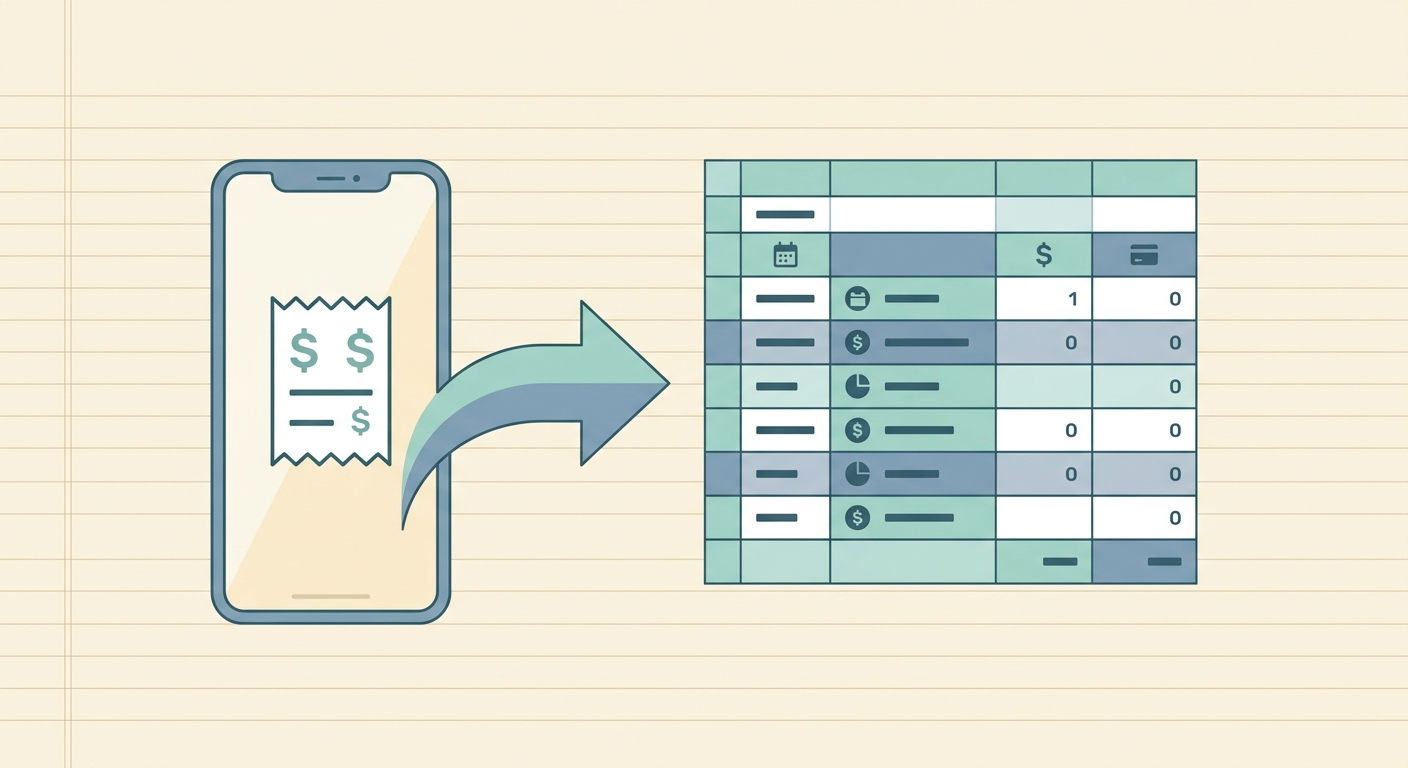
Managing expenses can be a monumental task, especially when you're juggling a stack of receipts. Whether you're a small business owner, a freelancer, or just trying to keep your personal finances in order, the sheer volume of paper and digital receipts can quickly become overwhelming. Manually entering each transaction into a spreadsheet is not only tedious but also prone to errors, consuming valuable time that could be spent on more productive activities. This is where the power of batch receipt processing comes into play, a revolutionary approach to expense management that transforms a pile of receipts into organized data with minimal effort. SlipSheet is at the forefront of this innovation, offering a seamless solution to convert your receipt photos and email receipts directly into spreadsheet rows, making financial tracking efficient and accurate.
What is Batch Receipt Processing and Why Does It Matter?
At its core, batch receipt processing refers to the ability to process multiple receipts simultaneously, rather than one by one. Instead of individually scanning or uploading each receipt and waiting for its data to be extracted, a batch processing system allows you to submit a collection of receipts at once. SlipSheet then uses advanced optical character recognition (OCR) technology to extract key information, such as vendor name, date, amount, and currency, from every receipt in the batch.
The significance of this feature cannot be overstated. For businesses and individuals alike, it offers substantial benefits:
- Time Savings: The most obvious advantage is the dramatic reduction in time spent on data entry. Processing dozens or even hundreds of receipts in a single go frees up hours previously dedicated to manual tasks.
- Increased Accuracy: Automated extraction minimizes human error, leading to more precise financial records and fewer discrepancies.
- Enhanced Efficiency: Streamlining the receipt-to-spreadsheet workflow means faster reconciliation, quicker expense reports, and a clearer financial picture.
- Reduced Clutter: Digitalizing receipts in batches helps eliminate physical paper clutter and keeps your digital workspace organized.
In a world where time is money, embracing batch receipt processing is a strategic move towards smarter, more efficient financial management.
Step-by-Step Guide to Batch Receipt Processing with SlipSheet
SlipSheet makes batch receipt processing incredibly intuitive. Here is a simple guide to transforming your stack of receipts into actionable data:
- Gather Your Receipts: Collect all the physical receipts you need to process. For digital receipts, ensure they are easily accessible, perhaps in a dedicated folder or your email inbox.
- Capture or Forward:
- For Physical Receipts: Use your smartphone to take clear photos of each receipt. Ensure good lighting and that the entire receipt is visible. SlipSheet's mobile interface is designed for quick capture.
- For Email Receipts: Forward multiple email receipts to your unique SlipSheet email address. You can forward them individually or as a batch.
- Upload to SlipSheet:
- Via Web App: If you have multiple receipt images on your computer, you can drag and drop them directly into the SlipSheet web application.
- Via Mobile App: Select multiple images from your phone's gallery and upload them to SlipSheet.
- Via Email: As mentioned, forwarding multiple email receipts to your dedicated SlipSheet email address automatically initiates the batch processing.
- Monitor Processing: Once uploaded, SlipSheet's powerful OCR engine begins processing the receipts. You can monitor the status of your batch within your SlipSheet dashboard.
- Review and Export: After processing, review the extracted data. SlipSheet highlights any areas that might need your attention, allowing for quick corrections. Once satisfied, export your data to your preferred spreadsheet format, such as CSV or Excel, ready for integration into your accounting software or personal budget.
This streamlined process ensures that even large volumes of receipts are handled with ease, reflecting the true power of batch receipt processing.
Technical Notes on SlipSheet's Batch Processing
Understanding the technical underpinnings of SlipSheet's batch receipt processing can help users maximize its effectiveness.
- Advanced OCR Technology: SlipSheet employs state-of-the-art optical character recognition, specifically trained on a vast dataset of receipts, ensuring high accuracy even with varying receipt layouts, fonts, and conditions. This specialized OCR is crucial for reliable data extraction from diverse sources.
- Supported Formats: SlipSheet is highly versatile, supporting common image formats like JPEG, PNG, and PDF for scanned or photographed receipts. For digital receipts, direct email forwarding handles a wide array of email content and attachments.
- Error Correction and Confidence Scores: While highly accurate, no OCR is 100% perfect. SlipSheet provides confidence scores for extracted data fields, allowing users to quickly identify and verify potentially ambiguous entries. This feature is particularly valuable when processing a large batch, as it guides your review process efficiently.
- Scalability and Performance: The batch processing engine is built for scalability. Whether you upload ten receipts or a hundred, the system is designed to handle the load efficiently, distributing tasks and leveraging cloud infrastructure to minimize processing times.
- Data Security: All uploaded data and extracted information are protected with industry-standard encryption and security protocols, ensuring your financial data remains private and secure throughout the batch processing workflow.
These technical considerations underscore SlipSheet's commitment to delivering a robust, reliable, and secure batch receipt processing solution.
Common Use Cases for Batch Receipt Processing
The versatility of batch receipt processing with SlipSheet makes it an invaluable tool across various scenarios. Here are some common use cases where this feature truly shines:
- Small Business Owners: Managing expenses for a small business often means dealing with numerous receipts from supplies, travel, meals, and more. Batch processing allows owners to quickly reconcile company credit card statements and prepare for tax season without spending hours on data entry.
- Freelancers and Consultants: Tracking deductible expenses is crucial for independent contractors. After a busy month, freelancers can upload all their client-related expenses, software subscriptions, and home office receipts in one go, streamlining their financial records for tax purposes.
- Travelers and Sales Professionals: Business trips generate a significant volume of receipts. Instead of processing each one individually during or after the trip, travelers can photograph all their hotel, meal, transport, and entertainment receipts, then upload them as a batch upon their return, making expense report generation a breeze.
- Personal Finance Management: Individuals aiming for better personal budgeting can use batch processing to categorize household expenses, groceries, and leisure activities. This provides a clear overview of spending habits without the tedious manual input.
- Event Organizers: From catering to venue costs and supplies, event planning involves many transactions. Batch processing simplifies the tracking of all event-related expenditures, ensuring accurate budget reconciliation post-event.
In each of these scenarios, SlipSheet's batch receipt processing capability transforms a time-consuming chore into a swift, efficient task, empowering users to focus on what matters most.
Optimizing Your Batch Processing: When to Adjust Settings or Upgrade
To get the most out of SlipSheet's batch receipt processing, consider these tips for optimizing your workflow and knowing when to adjust your settings or subscription.
- Clear Receipt Photos: For physical receipts, always aim for well-lit, clear photos where the entire receipt is visible and flat. This significantly improves OCR accuracy and reduces the need for manual corrections, especially when processing large batches.
- Organize Digital Receipts: Before forwarding email receipts, consider if they need any pre-organization. While SlipSheet handles diverse inputs, having a consistent approach to how you send them can aid in your own internal tracking.
- Review Confidence Scores: Regularly check the confidence scores SlipSheet provides for extracted data. If you consistently see lower scores for specific vendors or receipt types, it might indicate a pattern that could be improved by providing feedback to SlipSheet, helping to refine the OCR engine.
- Consider Your Volume: If your volume of receipts consistently exceeds your current plan's limits, or if you find yourself frequently hitting processing caps, it is a clear indicator that an upgrade to a higher-tier SlipSheet subscription is warranted. Higher tiers often come with increased batch processing limits, faster processing times, and additional features beneficial for high-volume users.
- Integrations: Explore SlipSheet's integration options. Connecting SlipSheet directly to your accounting software or spreadsheet services can automate the final step of data transfer, further enhancing the efficiency of your batch processing workflow.
By proactively managing your receipt input and understanding SlipSheet's capabilities, you can ensure your batch receipt processing remains a seamless and highly effective part of your financial routine.
The era of manual, painstaking receipt entry is effectively over, thanks to innovations like SlipSheet's batch receipt processing. This powerful feature empowers individuals and businesses to reclaim valuable time, enhance accuracy, and gain unparalleled control over their financial data. By transforming stacks of receipts into organized, spreadsheet-ready information with remarkable speed and precision, SlipSheet stands as an indispensable tool for modern expense management. Stop dreading receipt day and start experiencing the efficiency you deserve. Discover the future of expense tracking. Visit slipsheet.app today and revolutionize your financial workflow.
FAQ
What exactly is batch receipt processing?
Batch receipt processing is the ability to process multiple receipts simultaneously, allowing you to upload or send a collection of receipts at once for automated data extraction. This saves significant time compared to processing each receipt individually.
How accurate is SlipSheet's OCR for multiple receipts in a batch?
SlipSheet uses advanced OCR technology, specifically trained on receipts, to ensure high accuracy for batch processing. While highly reliable, it also provides confidence scores for extracted data to help you quickly review and correct any potential discrepancies.
What types of receipts can I batch process using SlipSheet?
You can batch process various types of receipts, including photos of physical receipts, scanned receipt images (JPEG, PNG, PDF), and email receipts. SlipSheet is designed to handle diverse formats and layouts.
Is there a limit to how many receipts I can process at once with SlipSheet?
The number of receipts you can process in a single batch or over a period depends on your SlipSheet subscription plan. Higher-tier plans generally offer increased limits and faster processing capabilities for larger volumes.
Can SlipSheet handle different currencies or languages when batch processing receipts?
SlipSheet is built to recognize and process receipts with various currencies. For language, it primarily excels with English-based receipts but its OCR technology is continually improving to support broader linguistic recognition.