Streamline Your Expenses with Intelligent Category Suggestions from SlipSheet
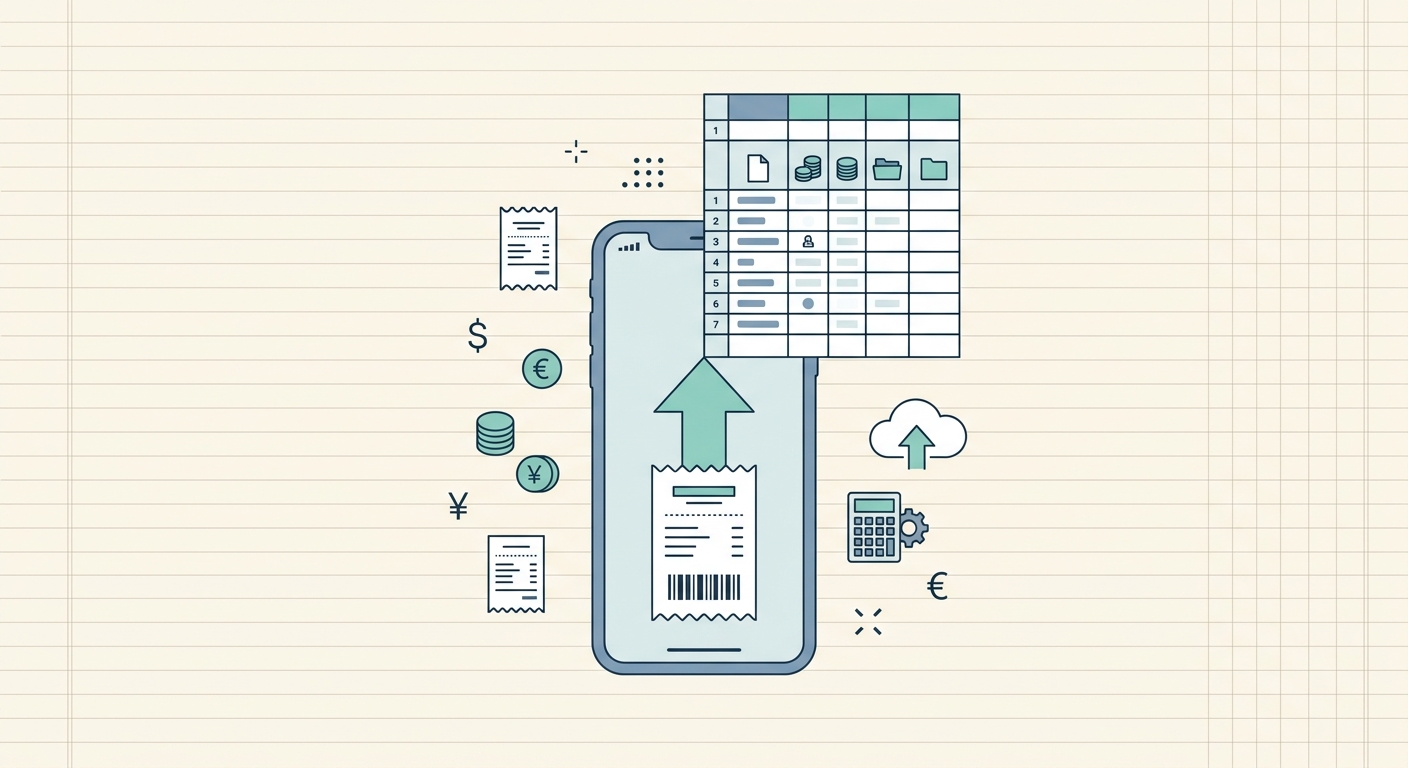
Managing expenses can be a tedious and time-consuming task, especially when you're dealing with a pile of receipts from various sources. The manual process of reviewing each transaction, identifying its purpose, and assigning it to the correct category often leads to errors and frustration. This is where SlipSheet revolutionizes expense tracking, particularly with its powerful category suggestions feature. Imagine a tool that not only extracts data from your receipt photos and email receipts but also intelligently suggests the most appropriate category for each expense, saving you countless hours and ensuring accuracy.
SlipSheet is designed to transform your chaotic collection of receipts into organized, actionable spreadsheet rows. Its core strength lies in automating the data entry process, and the intelligent category suggestions take this automation a step further, providing a seamless and efficient way to categorize your spending. Whether you are a small business owner, a freelancer, or simply managing personal finances, understanding and utilizing this feature will significantly enhance your financial management workflow.
What Are SlipSheet's Intelligent Category Suggestions?
The category suggestions feature in SlipSheet is an advanced capability that uses artificial intelligence and machine learning to automatically recommend a suitable expense category for each transaction it processes. When you upload a receipt photo or forward an email receipt to SlipSheet, the system goes beyond just extracting the vendor name, date, and amount. It analyzes the nature of the purchase, the vendor, and other contextual clues to propose a relevant category, such as 'Office Supplies,' 'Travel,' 'Meals & Entertainment,' or 'Utilities.'
- Automated Classification: Instead of manually selecting a category from a dropdown menu for every single expense, SlipSheet provides a pre-filled suggestion, drastically cutting down on manual effort.
- Enhanced Accuracy: By leveraging sophisticated algorithms, SlipSheet aims to provide highly accurate suggestions, minimizing the risk of miscategorization that can occur with human error or oversight. This accuracy is crucial for budgeting, tax preparation, and financial reporting.
- Time-Saving: The primary benefit is the significant reduction in time spent on expense categorization. What used to take minutes per receipt can now be reviewed and confirmed in seconds.
- Consistency: The system helps maintain consistent categorization across all your expenses, which is vital for clear financial analysis and compliance.
This intelligent assistance ensures your financial data is not only captured efficiently but also organized in a meaningful way from the very beginning, setting a solid foundation for your financial records.
How to Use Category Suggestions Step-by-Step with SlipSheet
Utilizing SlipSheet's category suggestions is straightforward and designed for maximum user convenience. Here's a simple guide to integrating this powerful feature into your expense management routine:
- Capture and Upload Your Receipt: Begin by taking a clear photo of your paper receipt using your smartphone or tablet. Alternatively, simply forward your digital email receipts to your unique SlipSheet email address.
- SlipSheet Processes the Data: Once your receipt is received, SlipSheet's intelligent OCR (Optical Character Recognition) and AI technology get to work. It rapidly extracts all key information, including the vendor, date, total amount, and line items.
- Review the Suggested Category: After processing, the extracted data, along with a suggested expense category, will appear in your SlipSheet dashboard or designated spreadsheet. For instance, a receipt from a coffee shop might be suggested as 'Meals & Entertainment,' while a purchase from an office supply store could be 'Office Supplies.'
- Accept or Modify: You have full control. If the suggested category is correct, you can simply accept it with a single click or by taking no further action if it's set to auto-accept. If you prefer a different category, you can easily select an alternative from your predefined list or create a new one on the fly.
- Export or Integrate: Once categorized, your expense data is ready to be exported to a spreadsheet, integrated with accounting software, or used for reporting.
This streamlined process ensures that your expenses are not just recorded, but also correctly classified with minimal manual intervention, making expense tracking a breeze.
Technical Notes: How SlipSheet's AI Powers Category Suggestions
The accuracy and intelligence behind SlipSheet's category suggestions are rooted in sophisticated artificial intelligence and machine learning models. It's not just a simple keyword match; the system employs a multi-faceted approach to understand your expenses:
- Contextual Analysis: SlipSheet analyzes various data points beyond just the vendor name. It looks at line item descriptions, the overall nature of the business, and even patterns in your past spending habits. For example, a purchase from "Amazon" could be 'Office Supplies' or 'Software Subscriptions' depending on the specific items listed.
- Learning from User Behavior: A key aspect of SlipSheet's intelligence is its ability to learn. When you modify a suggested category, the system takes note. Over time, it adapts to your specific categorization preferences, continuously improving the accuracy of future suggestions. This personalized learning makes the tool increasingly efficient the more you use it.
- Vendor Recognition: The system maintains a vast database of vendors and their typical business types. When it recognizes a familiar vendor, it can quickly associate it with common expense categories, speeding up the suggestion process.
- Continuous Improvement: SlipSheet's AI models are regularly updated and refined. This ongoing development ensures that the category suggestions remain cutting-edge, adapting to new types of transactions and user needs.
This robust technical foundation ensures that SlipSheet provides not just suggestions, but truly intelligent and personalized recommendations for your expense categorization.
Common Use Cases for Intelligent Category Suggestions
The benefits of SlipSheet's category suggestions extend across a wide range of financial management scenarios, making it an indispensable tool for various users:
- Small Business Owners: For businesses, accurate categorization is paramount for tax compliance, budgeting, and understanding profitability. SlipSheet helps categorize everything from office supplies and utilities to client entertainment and travel expenses, simplifying bookkeeping.
- Freelancers and Independent Contractors: Tracking deductible expenses is crucial for freelancers. SlipSheet ensures that business-related purchases like software, co-working space fees, and professional development courses are correctly categorized, making tax season significantly less stressful.
- Personal Finance Management: Individuals looking to gain better control over their personal budget can use SlipSheet to categorize groceries, entertainment, housing, and transportation costs. This provides clear insights into spending habits, aiding in financial planning.
- Tax Preparation: Regardless of your professional status, having well-categorized expenses is invaluable for tax preparation. SlipSheet streamlines the process of organizing your financial records, ensuring you have all the necessary documentation ready for your accountant or for direct filing.
- Project-Based Expense Tracking: For those managing multiple projects, SlipSheet can help assign expenses to specific projects or clients, providing granular financial oversight and simplifying client invoicing or project cost analysis.
In each of these scenarios, the automatic classification provided by SlipSheet's intelligent category suggestions saves time, reduces errors, and provides clearer financial insights.
When to Upgrade or Adjust SlipSheet's Category Settings
While SlipSheet's initial category suggestions are highly effective, there are times when you might want to customize or refine your categorization setup to better suit evolving needs. Knowing when to adjust your settings or consider an upgrade can further enhance your experience:
- Growing Business Complexity: As your business expands, your expense categories might become more granular. You may need specific sub-categories, for example, distinguishing between 'Software Subscriptions - Marketing' and 'Software Subscriptions - Operations.' SlipSheet allows you to create and manage custom categories to match this growing complexity.
- Specific Reporting Requirements: If you need to generate highly detailed financial reports for investors, audits, or internal analysis, you might want to ensure your categories align perfectly with your reporting structure. Adjusting category settings ensures your output is precise.
- Integration with Advanced Accounting Software: While SlipSheet exports to spreadsheets, if you begin using advanced accounting software that requires specific category mappings, you'll want to ensure your SlipSheet categories are aligned for seamless data transfer.
- Personalized Learning Optimization: If you find that certain suggestions aren't consistently accurate for your unique spending patterns, actively correcting them will help SlipSheet learn faster. You can also review and modify your category list to ensure it's up-to-date and relevant.
- New Financial Goals: When setting new financial goals, such as aggressively saving for a down payment or cutting specific types of spending, you might want to create new categories or sub-categories to track progress more effectively.
SlipSheet empowers you with the flexibility to manage your categories, ensuring the system continually works optimally for your specific financial tracking requirements. Regularly reviewing and refining your category structure will ensure you get the most out of the intelligent suggestions.
SlipSheet's intelligent category suggestions are more than just a convenience; they are a fundamental component of efficient, accurate, and stress-free expense management. By automating the classification of your spending, SlipSheet frees up your valuable time, minimizes errors, and provides you with clear, organized financial data. Take control of your receipts and transform your financial tracking today. Discover how seamless expense management can be by visiting slipsheet.app and experiencing the power of intelligent categorization.
FAQ
What are SlipSheet's category suggestions?
SlipSheet's category suggestions use AI to automatically recommend an appropriate expense category, like 'Office Supplies' or 'Travel,' for each transaction extracted from your receipts. This feature aims to save time and improve the accuracy of your financial records.
How accurate are the category suggestions?
The suggestions are highly accurate, as SlipSheet employs sophisticated AI and machine learning models that learn from your past categorizations and contextual data. The system continuously improves its accuracy the more you use it and make adjustments.
Can I customize the categories in SlipSheet?
Yes, SlipSheet provides full control over your categories. You can easily modify suggested categories, add new custom categories, or delete existing ones to perfectly match your specific financial tracking needs.
What types of receipts does the category suggestions feature work with?
The category suggestions feature works seamlessly with both receipt photos you upload and email receipts you forward to SlipSheet. The AI processes data from both physical and digital receipts.
Does SlipSheet's category suggestions feature integrate with accounting software?
While SlipSheet primarily focuses on extracting and categorizing data into spreadsheets, the well-organized and categorized data can be easily exported for seamless import into most popular accounting software. This ensures compatibility with your existing financial tools.