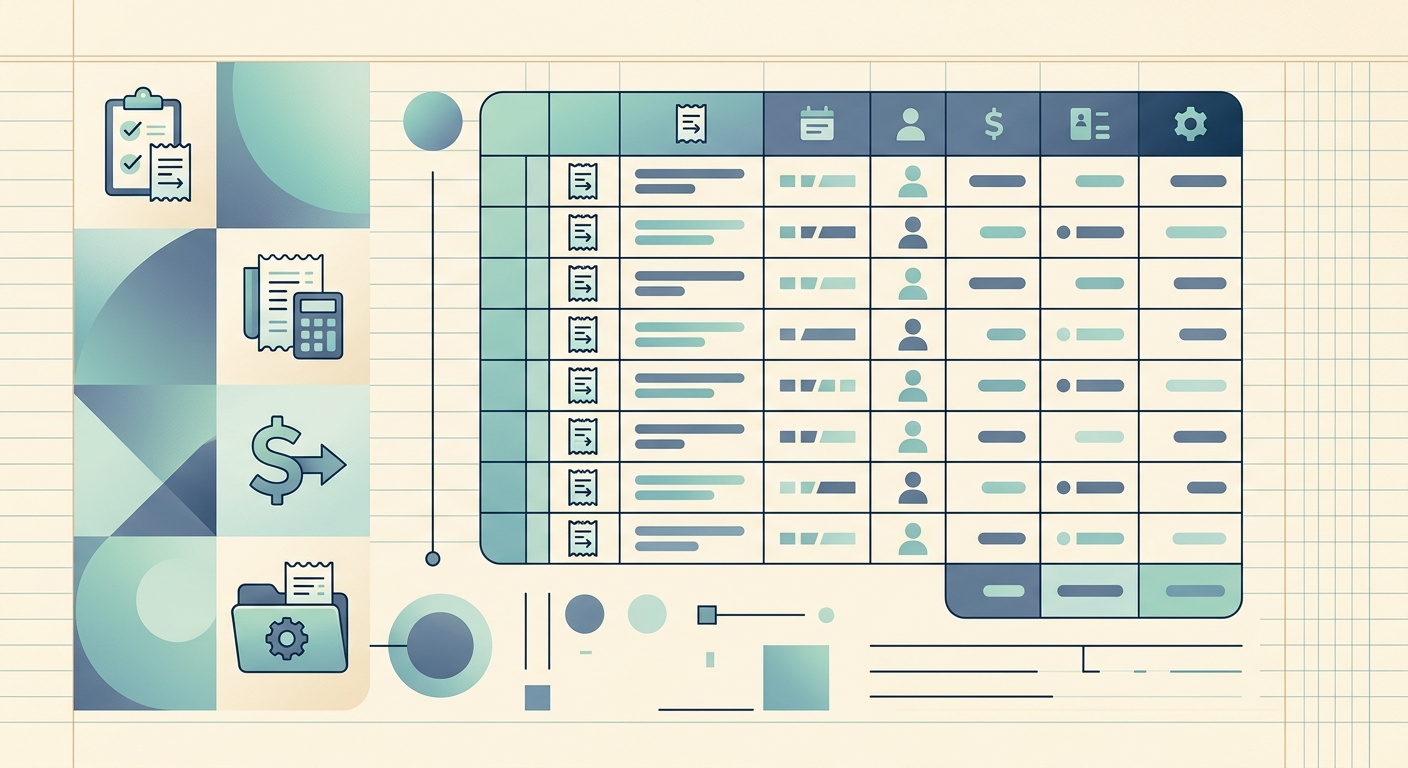
If you bill jobs by the receipt, you already know the pain: receipts show up in glove boxes, email inboxes, kitchen drawers, and the back seats of trucks. By tax time, half of them are faded, the other half are missing a date or a vendor name, and your bookkeeper is asking for a log that ties each expense back to the right job and the right invoice. A clean contractor receipt log template fixes this before it starts, and it does not need to be complicated.
What the template is
A contractor receipt log is a single spreadsheet that tracks every business receipt a contractor collects on the job. It is the source of truth that proves what you spent, which job the spend belonged to, and whether the cost has been billed back to the client or absorbed as overhead. Each row is one receipt, and each column is a piece of information you will wish you had later if it is missing.
The minimum columns that make a log actually useful at tax time and audit time are: Contractor, Date, Job, Expense, Amount, Invoiced, and Notes. Anything less than these seven columns and you will end up re-typing data from photo captions and faded thermal paper when you file your return.
Fields and what they mean
- Contractor: The person or LLC the receipt belongs to. If you run a single-member LLC or a sole proprietorship, this is just your name, but keep the column anyway so you can split personal and business later.
- Date: The date on the receipt, not the date you entered it. This is the field auditors actually check.
- Job: The client name, project name, or job number the expense is tied to. Without this column, every receipt looks like overhead and you lose the ability to bill reimbursable expenses back to the customer.
- Expense: A short category like "lumber," "fuel," "subcontractor," "permit," or "rental equipment." Keep the categories consistent across rows so you can group and sum them in a pivot table.
- Amount: The total on the receipt, including tax. Format the column as currency so totals add up cleanly.
- Invoiced: A yes/no (or invoice number) flag that tells you whether the cost has been passed through to the client. This is the column that keeps reimbursables from falling through the cracks.
- Notes: Free text for the things the other columns cannot capture: the Home Depot SKU, the subcontractor's license number, the mileage that pairs with a fuel receipt, or a quick photo link.
How to use it day to day
The simplest workflow that actually sticks is one entry per receipt, the same day you get the receipt. Photograph the receipt as soon as it lands in your hand, then enter the row before you start the truck. This is the only window of the day when you can read the thermal print clearly and the job is still fresh in your head.
At the end of each week, sort by Job and review the Invoiced column. Anything marked "No" that should be "Yes" gets queued for the next client invoice. At the end of each month, sort by Expense category to see what your real job costs look like before you underbid the next project.
Customization options
The base template is intentionally lean, but most contractors add a few columns once they know what their bookkeeper actually needs:
- Payment method (cash, card, ACH) for cash-flow reconciliation.
- Vendor split out from Expense, so you can run vendor totals without a separate sheet.
- Tax split out from Amount, if you are in a jurisdiction that tracks sales tax separately or you want to claim input tax credits.
- Project phase or cost code for jobs that span multiple billing stages.
- Photo link pointing to a Drive or Dropbox folder where the receipt image lives. A 30-character short link beats a 500-character pasted URL.
Whatever you add, keep the seven base columns in the same order on every sheet you hand off to a bookkeeper or CPA. Consistency is what makes the log searchable later.
Where SlipSheet fits
If the workflow above sounds like a lot of typing, the same template works as the export target inside SlipSheet. Scan a receipt with your phone, the app pulls merchant, date, total, and tax into a row, and the log exports straight to Google Sheets or CSV in the exact column order above. The "Job" and "Invoiced" columns stay manual because they are decisions, not data, and a spreadsheet or your bookkeeper can fill them in faster than any OCR pipeline can.
For a contractor managing two or three jobs at a time, the log is small enough to maintain by hand. Once you are running five or more concurrent projects or you start working with a bookkeeper who expects a clean monthly file, automate the data entry and keep the human review.
FAQ
What columns should a contractor receipt log include?
At minimum: Contractor, Date, Job, Expense, Amount, Invoiced, and Notes. These seven columns cover what you need at tax time, what auditors check, and what your bookkeeper needs to bill reimbursables back to clients.
How do I handle receipts that fade from thermal paper?
Photograph the receipt the same day you get it, before the print fades. Store the photo in a Drive or Dropbox folder and link it in the Notes column of the log so the original data survives even if the paper does not.
Should I log receipts by job or by expense category?
Both. Keep Job as its own column and use a short, consistent Expense category (lumber, fuel, subcontractor, permit, rental). At month end you can pivot the same log by Job for client billing or by Expense for job-cost analysis.
How long do contractors need to keep receipt logs?
The IRS requires supporting records for at least three years from the filing date, and up to seven years if you claimed a loss or underreported income. Keep digital copies of the log and receipt photos for at least seven years to be safe.
Can a receipt scanner replace the log entirely?
A scanner handles the data entry (merchant, date, total, tax) but the Job and Invoiced columns are decisions, not data, and still need a human. The cleanest setup is a scanner that exports rows into a spreadsheet where you fill in Job and Invoiced by hand.