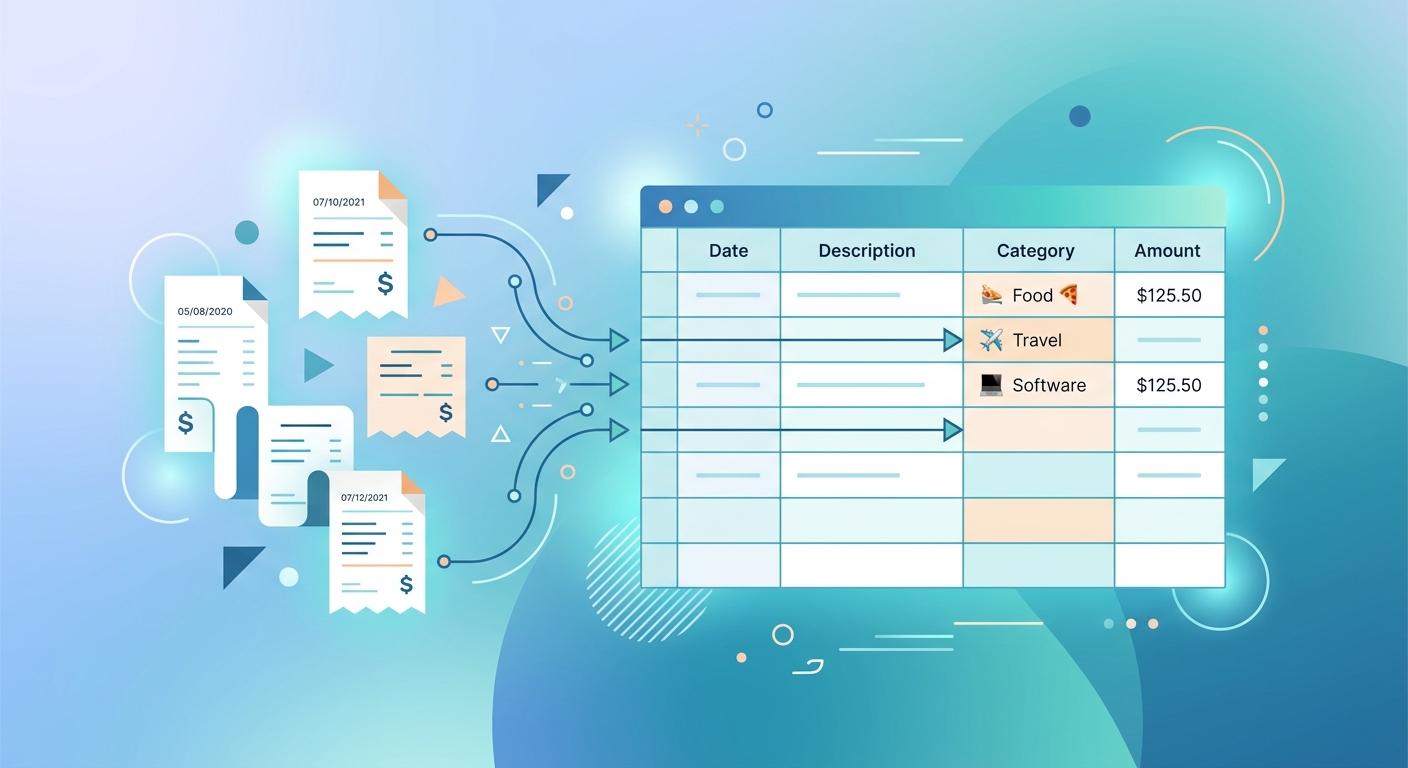
Every founder, contractor, or finance admin knows the dread of a growing pile of receipts. What starts as a simple intention to meticulously track expenses often devolves into a chaotic scramble before tax season or month-end close. Manually transcribing details from dozens, or even hundreds, of paper and email receipts into an expense tracking spreadsheet is not just tedious; it is a significant drain on valuable time, prone to errors, and a task easily put off until it becomes an overwhelming burden. But what if there was a smarter way to manage your expense tracking spreadsheet from receipts, transforming chaos into clarity with minimal effort?
The Problem with Manual Expense Tracking
The traditional approach to building an expense tracking spreadsheet from receipts is fraught with challenges.
- Time-Consuming Drudgery: Whether you are snapping photos, saving PDFs, or forwarding emails, the subsequent step of manually typing each vendor name, date, amount, and category into a spreadsheet eats up precious hours. For busy professionals, this is time stolen from core business activities.
- Inconsistency and Errors: Human error is inevitable. Typos, miscategorizations, or overlooked details can lead to an inaccurate financial picture. This inconsistency makes it harder to trust your data for critical business decisions.
- The Procrastination Trap: Because it is such a tedious task, manual entry often gets pushed to the bottom of the priority list. Receipts pile up, creating a looming administrative nightmare that can cause stress and last-minute rushes.
- Disjointed Data: Receipts come in various formats, making it difficult to maintain a unified, searchable, and easily auditable record within a standard expense tracking spreadsheet.
Why Accurate Expense Tracking Matters More Than You Think
Beyond merely satisfying tax obligations, a precise expense tracking spreadsheet from receipts offers profound benefits for businesses of all sizes.
- Maximize Deductions and Minimize Tax Liability: Every legitimate business expense is a potential tax deduction. Without accurate records, you risk missing out on significant savings, directly impacting your bottom line.
- Gain Financial Clarity: Understanding where your money goes is fundamental to sound financial management. A well-maintained expense tracking spreadsheet allows you to review spending by vendor, project, or category, identifying trends and areas for potential savings.
- Streamline Reimbursements: For contractors or employees, a clear receipt log is essential for timely and accurate expense reimbursements, fostering trust and efficiency.
- Facilitate Audits and Compliance: Should your business face an audit, having a clean, organized, and easily accessible expense tracking spreadsheet from receipts is invaluable. It demonstrates due diligence and helps ensure compliance with financial regulations.
- Empower Strategic Decision-Making: With real-time, accurate data, founders and finance admins can make informed decisions about budgeting, resource allocation, and future investments.
How SlipSheet Revolutionizes Your Expense Tracking Spreadsheet from Receipts
This is where SlipSheet steps in, transforming the daunting task of managing your expense tracking spreadsheet from receipts into a seamless, automated process. SlipSheet is designed to eliminate manual data entry, providing a powerful solution for founders, contractors, and finance admins alike.
- Effortless Receipt Capture: Simply snap a photo of any paper receipt with your phone, or forward your email receipts directly to SlipSheet. The intelligent system instantly extracts all relevant data.
- Automated Data Extraction: SlipSheet's advanced technology precisely identifies key information from your receipts, including vendor name, date, total amount, and even line-item details when available. This data is then structured and ready for your expense tracking spreadsheet.
- Build a Comprehensive Receipt Log Automatically: Instead of manual input, SlipSheet automatically populates your digital receipt log, creating a clean, organized, and searchable database of all your transactions. This foundational step is critical for any robust expense tracking spreadsheet.
- Intelligent Categorization: Assign categories to your expenses with ease, either manually or using SlipSheet's smart suggestions based on past entries. This makes it simple to categorize reimbursable expenses, track project costs, or prepare for tax season.
- Review Spending by Vendor with Ease: Want to know how much you spent with a particular supplier last quarter? SlipSheet organizes your data so you can quickly filter and review spending by vendor, gaining insights into your procurement habits.
- Export Clean CSV Files: Once your receipts are processed and organized, SlipSheet allows you to export clean CSV files. These files are perfectly formatted for import into your preferred accounting software, existing expense tracking spreadsheet, or for sharing with your accountant, ensuring data integrity and saving hours of formatting.
A Day in the Life: Seamless Expense Management with SlipSheet
Imagine this scenario:
- Morning: As a busy freelance contractor, you grab a coffee on your way to a client meeting. You pay, snap a quick photo of the receipt with your phone, and move on. No thoughts about manual entry, no worries about losing the paper slip. SlipSheet takes care of adding it to your expense tracking spreadsheet in the background.
- Lunch: Later, you purchase some office supplies online. The e-receipt lands in your inbox. You forward it to your unique SlipSheet email address. Done. The expense is automatically logged and categorized.
- Evening: Before winding down, you quickly log into your SlipSheet account. A glance shows all today's expenses neatly captured. You can quickly review spending by vendor, assign a project tag to a few items, and see your comprehensive receipt log growing effortlessly. Preparing for month-end close or tax season no longer feels like a monumental task, thanks to your continually updated expense tracking spreadsheet from receipts.
Getting Started with Your Automated Expense Tracking Spreadsheet
Making the switch to an automated expense tracking spreadsheet solution like SlipSheet is straightforward. You do not need to be a tech guru or a finance expert.
- Sign Up: Create your SlipSheet account in minutes.
- Capture Receipts: Start taking photos of your paper receipts or forwarding your digital ones.
- Review and Organize: Periodically check your SlipSheet dashboard to categorize expenses, add notes, and ensure everything is in order.
- Export and Integrate: When you need a detailed report or want to update your accounting software, simply export your clean CSV files.
Embrace the future of expense management and say goodbye to the manual grind. Your perfectly organized expense tracking spreadsheet from receipts is just a few clicks away.
Transforming your receipt management from a chore into an automated, efficient process is within reach. SlipSheet empowers founders, contractors, and finance admins to maintain a precise expense tracking spreadsheet from receipts without the headaches of manual data entry. Stop wasting valuable time; start optimizing your financial records today.
Visit slipsheet.app to experience the difference.
FAQ
What types of receipts can SlipSheet process?
SlipSheet can process both physical paper receipts, captured via photo, and digital email receipts. This comprehensive support ensures all your expenses are covered.
Is my financial data secure with SlipSheet?
Yes, data security is a top priority for SlipSheet. We employ industry-standard encryption and security protocols to protect your sensitive financial information.
Can I customize expense categories in SlipSheet?
Absolutely. SlipSheet allows you to create and customize your own expense categories, ensuring your expense tracking spreadsheet aligns perfectly with your business's unique accounting needs.
How does SlipSheet handle multiple currencies?
SlipSheet intelligently detects and processes expenses in various currencies. You can set a default currency, and the system will help convert foreign transactions for consistent reporting.
Can I integrate SlipSheet with my existing accounting software?
While SlipSheet primarily provides clean CSV exports, these files are universally compatible and can be easily imported into most popular accounting software, streamlining your workflow.