FreshBooks vs SlipSheet: Choosing Your Receipt Management Solution
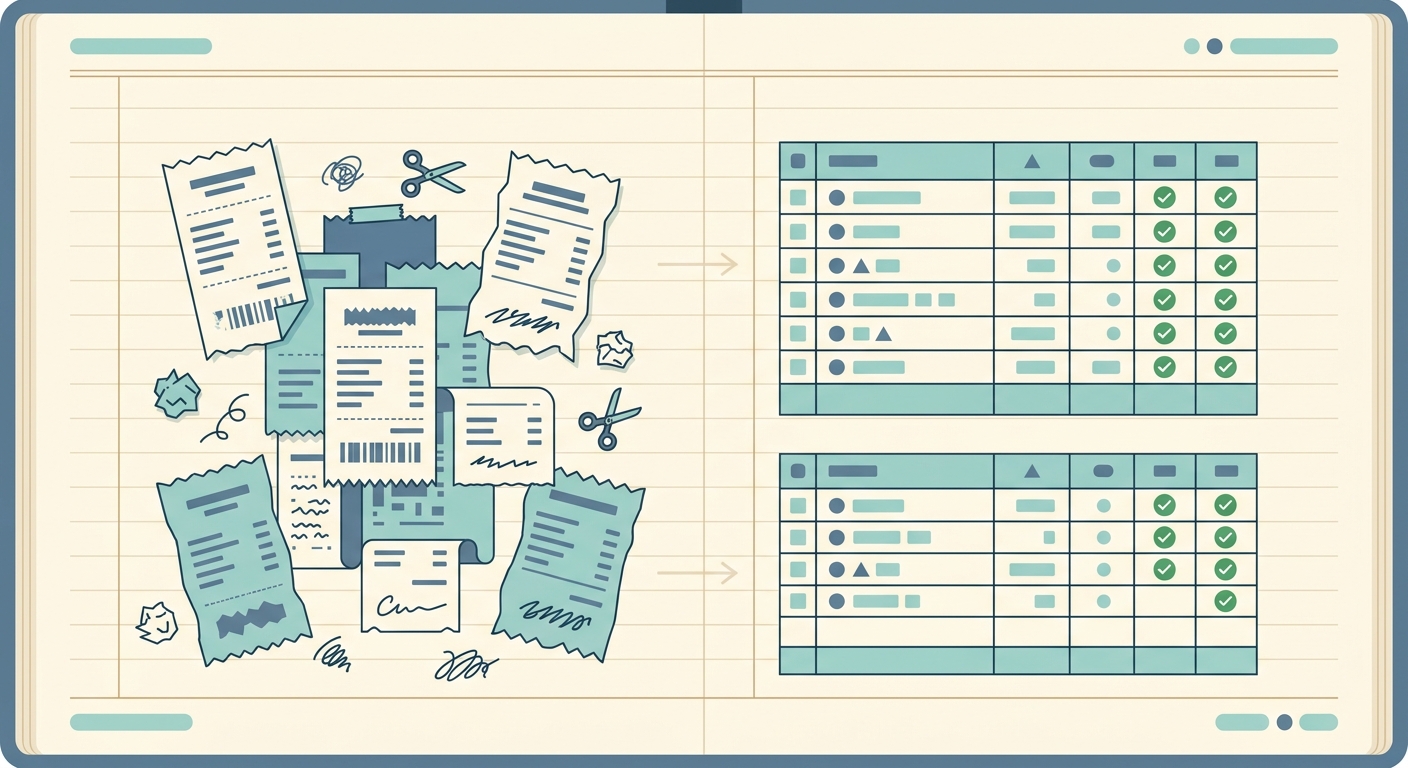
Managing business expenses, especially receipts, can be a time-consuming task for small business owners, freelancers, and sole proprietors. Accurate record-keeping is crucial for tax purposes, budgeting, and understanding your financial health. In the quest for efficiency, many turn to digital tools. FreshBooks stands out as a comprehensive accounting software, offering a wide array of features from invoicing to time tracking. On the other hand, SlipSheet emerges as a specialized tool, laser-focused on transforming receipt photos and email receipts into organized spreadsheet rows. This article will delve into a detailed comparison, FreshBooks vs SlipSheet, to help you determine which solution best fits your specific needs, particularly if you are a spreadsheet-first user seeking a streamlined export process.
While FreshBooks aims to be an all-in-one financial hub, SlipSheet carves out a niche for those who prioritize simple, direct data extraction for external spreadsheet management. Understanding their core functionalities and target audiences is key to making an informed decision. We will explore their capabilities across receipt capture, data extraction, export options, pricing structures, and how they integrate into your existing workflows, highlighting where each tool excels and where SlipSheet offers a compelling alternative for users who value straightforward spreadsheet exports above all else.
Receipt Capture: From Paper to Digital
Both FreshBooks and SlipSheet understand the necessity of converting physical and digital receipts into usable data, but their approaches differ in context.
- FreshBooks: As a full accounting suite, FreshBooks offers robust receipt capture capabilities integrated into its mobile app. Users can snap photos of paper receipts, forward email receipts, or even connect bank accounts to automatically import transactions. The system then allows users to categorize these expenses directly within the FreshBooks platform, linking them to projects, clients, and specific expense categories. This holistic approach is excellent for users who want their expenses to live within their main accounting system, ready for reporting and reconciliation.
- SlipSheet: SlipSheet's receipt capture is designed for simplicity and directness. It focuses purely on getting your receipts into a format ready for spreadsheet export. Users can effortlessly upload receipt photos taken with their phone or computer, or forward email receipts directly to a unique SlipSheet email address. The emphasis is on quick, no-fuss submission with the sole purpose of extracting data for a spreadsheet. For individuals who primarily manage their finances in Excel or Google Sheets, SlipSheet provides a rapid on-ramp for their receipt data, bypassing the complexities of a full accounting system.
If your goal is to feed receipts directly into a comprehensive accounting system, FreshBooks is a strong contender. However, if your primary need is to convert various receipt formats into clean, structured data for a spreadsheet, SlipSheet offers a more focused and potentially faster capture experience tailored to that specific outcome.
Data Extraction: Accuracy and Detail
The core value of any receipt management tool lies in its ability to accurately extract relevant information. Both solutions employ advanced technology, but with different end goals.
- FreshBooks: FreshBooks utilizes optical character recognition, OCR, technology to read key details from receipts, such as vendor name, date, total amount, and sales tax. It then guides users to categorize these expenses within its predefined chart of accounts, ensuring that all financial data is properly classified for accounting purposes. While effective, the primary objective is to populate the FreshBooks ledger, not necessarily to provide a granular, line-item breakdown for external use.
- SlipSheet: SlipSheet's data extraction is purpose-built for detailed spreadsheet output. Its advanced OCR and machine learning algorithms are optimized to identify and extract a comprehensive set of data points from receipts, including individual line items, quantities, unit prices, discounts, taxes, and payment details, in addition to the standard vendor, date, and total. This granular level of detail is paramount for users who need to analyze spending patterns at a micro-level, track specific purchases, or import highly detailed transaction data into complex spreadsheets or other analytical tools. SlipSheet ensures that when your data lands in a spreadsheet, it is rich, structured, and ready for immediate use, minimizing manual data entry and correction.
For those who need robust, categorized data within an accounting framework, FreshBooks performs admirably. But for users whose workflow demands highly detailed, line-item specific data extraction directly into a spreadsheet, SlipSheet's specialized focus on this task provides a superior level of detail and accuracy for that specific use case.
Export Capabilities: Ecosystem vs. Spreadsheet-First
The way each tool allows you to access and utilize your data is a significant differentiator.
- FreshBooks: FreshBooks offers extensive reporting capabilities within its platform, generating financial statements, expense reports, and tax summaries. Users can export these reports in various formats, including PDF, CSV, or Excel, but these exports are typically summary-level or designed to be imported into other accounting systems. While you can export transaction lists, the primary design is to keep you within the FreshBooks ecosystem for analysis and reporting.
- SlipSheet: SlipSheet's entire design philosophy revolves around its export capabilities. It is not an accounting system, but a data preparation tool. Its sole purpose is to take your receipt data and export it into a clean, customizable spreadsheet format, typically CSV or Excel. Users have control over which fields are included in the export, allowing for tailored data sets that perfectly match their existing spreadsheet templates or the import requirements of other software. For those who use spreadsheets as their primary financial hub, or as an intermediary step before importing into specialized analytical tools, SlipSheet provides an unparalleled, direct path to organized data, making it incredibly flexible and powerful for spreadsheet-centric users.
If you prefer an integrated reporting environment, FreshBooks excels. However, if your workflow is centered around spreadsheets and you need a tool that seamlessly feeds detailed receipt data directly into them, SlipSheet is engineered precisely for that purpose, offering maximum flexibility for external data management.
Pricing and Integrations: Comprehensive vs. Specialized Value
The cost and connectivity of these tools reflect their differing scopes.
- FreshBooks: FreshBooks operates on a subscription model, with tiered plans based on the number of billable clients, features included, and user access. Its pricing reflects its status as a full accounting solution, encompassing invoicing, time tracking, project management, and reporting. FreshBooks also boasts a wide range of integrations with popular business tools, including payment gateways, payroll services, and CRM systems, enhancing its value as a central business hub.
- SlipSheet: SlipSheet's pricing structure is likely to be simpler, focusing on the volume of receipts processed or a flat-rate for its specialized service. Its value proposition is in its precision and efficiency for receipt-to-spreadsheet conversion, potentially offering a more cost-effective solution for users who do not require a full accounting suite. In terms of 'integrations,' SlipSheet's primary integration is its robust export to universal spreadsheet formats, making it compatible with virtually any system that can import CSV or Excel files. This 'spreadsheet-as-integration' approach offers immense flexibility, allowing users to connect SlipSheet's output to accounting software, personal finance trackers, or custom analytical dashboards without complex API setups.
For a comprehensive, integrated accounting solution with broad connectivity, FreshBooks provides significant value. For users seeking a focused, efficient, and potentially more budget-friendly tool solely for converting receipts into detailed spreadsheet data, SlipSheet offers specialized value by excelling in its niche.
Conclusion: Which Tool is Right for You?
The choice between FreshBooks and SlipSheet ultimately depends on your specific needs and workflow. If you are a small business owner who requires an all-in-one accounting solution, including invoicing, time tracking, project management, and robust financial reporting all within a single platform, FreshBooks is an excellent, comprehensive choice. It provides a cohesive ecosystem for managing your entire business finances.
However, if your primary goal is to efficiently capture receipt photos and email receipts, extract highly detailed, accurate data, and export that information directly into spreadsheets for further analysis, personal financial management, or import into other systems, then SlipSheet is the superior, specialized solution. It caters specifically to the spreadsheet-first user, offering a streamlined, precise, and flexible way to get your receipt data exactly where you need it, in a format you can immediately use. For those who find value in managing their expense data in Excel or Google Sheets, SlipSheet eliminates the manual data entry burden and provides unparalleled data fidelity.
To experience how effortlessly SlipSheet can transform your receipt chaos into organized spreadsheet data, visit slipsheet.app today and take control of your expense management.
FAQ
What is the primary difference between FreshBooks and SlipSheet?
FreshBooks is a comprehensive accounting software offering invoicing, time tracking, and expense management. SlipSheet is a specialized tool focused solely on converting receipt photos and email receipts into detailed spreadsheet rows for export.
Which tool is better for an all-in-one accounting solution?
FreshBooks is designed as an all-in-one accounting solution, providing a full suite of features for managing business finances from start to finish.
Is SlipSheet suitable for users who prefer managing data in spreadsheets?
Yes, SlipSheet is specifically built for spreadsheet-first users. Its core function is to extract detailed receipt data and export it into clean, customizable CSV or Excel files, making it ideal for those who use spreadsheets for financial management.
Does SlipSheet offer invoicing or time tracking features?
No, SlipSheet does not offer invoicing, time tracking, or other full accounting features. It is a focused utility for receipt data extraction and spreadsheet export only.
How does data extraction differ between the two platforms?
FreshBooks extracts key receipt details for categorization within its accounting system. SlipSheet focuses on more granular, line-item specific data extraction, optimized for detailed analysis in external spreadsheets.