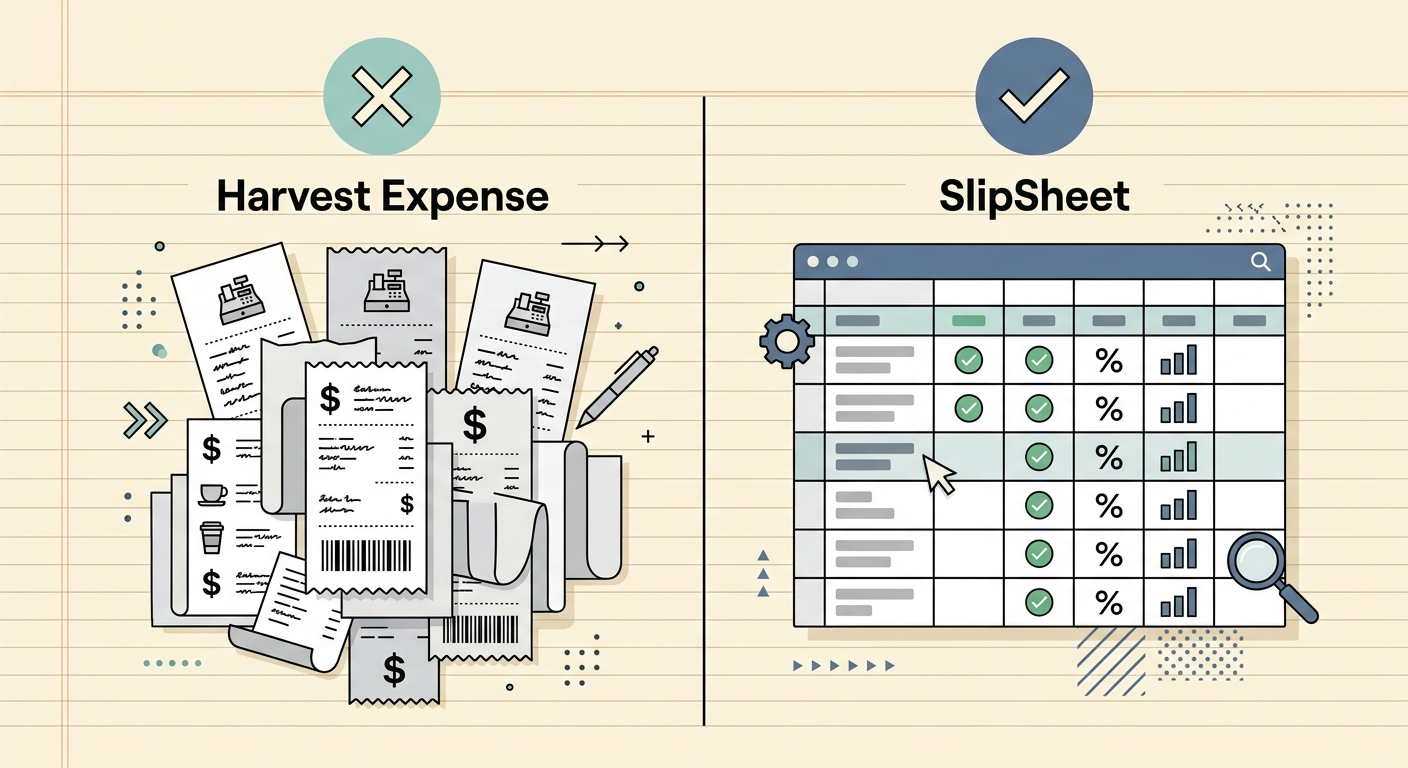
Harvest Expense vs. SlipSheet: Choosing Your Receipt Management Solution
Managing business expenses, especially when dealing with a pile of receipts, can be a daunting task. For many, the goal is straightforward: turn those physical or digital receipts into organized, actionable data. When comparing solutions, two distinct approaches emerge: comprehensive project management platforms with expense features, like Harvest Expense, and specialized tools designed for direct receipt-to-spreadsheet conversion, such as SlipSheet. This article delves into the nuances of Harvest Expense vs SlipSheet, helping you determine which tool best aligns with your workflow, particularly if you are a spreadsheet-first user seeking simple, efficient exports.
Harvest, renowned for its time tracking and invoicing capabilities, includes an expense management module, Harvest Expense, designed to integrate seamlessly within its larger ecosystem. It is an excellent choice for businesses that need to tie expenses directly to projects, clients, and invoices. On the other hand, SlipSheet offers a focused, streamlined solution, specifically engineered to transform receipt photos and email receipts into perfectly formatted spreadsheet rows. It caters to those who prioritize quick data extraction and direct export into familiar spreadsheet environments, valuing simplicity and precision in their expense data.
Receipt Capture: From Photo to Data Entry
The first step in expense management is capturing the receipt data. Both Harvest Expense and SlipSheet offer convenient ways to digitize your receipts, but their underlying philosophies differ.
- Harvest Expense: Users can capture receipt photos directly through the Harvest mobile app, ensuring expenses are logged on the go. You can also forward email receipts or manually enter details. The system encourages linking expenses immediately to specific projects or clients, which is invaluable for project-based businesses that need granular cost tracking. Its capture process is integrated into a broader workflow, making it easy to add expenses as part of a project's overall financial picture.
- SlipSheet: SlipSheet excels in providing a friction-free receipt capture experience, optimized for rapid data extraction. Users simply snap a photo of a physical receipt with their smartphone, or forward email receipts to a dedicated SlipSheet inbox. The focus here is on efficiently getting the receipt image into the system for processing, without immediately requiring complex categorization. SlipSheet prioritizes speed and ease of input, recognizing that many users just want the data captured quickly before organizing it in their preferred spreadsheet.
Data Extraction & Categorization: Accuracy and Automation
Once receipts are captured, the next critical step is extracting relevant data and categorizing expenses. This is where the specialized nature of SlipSheet truly shines for spreadsheet-centric users, while Harvest Expense provides robust, integrated categorization.
- Harvest Expense: Harvest employs automated data extraction to pull key information from receipts. It allows users to categorize expenses using predefined or custom expense types, often linking them to specific projects, tasks, or clients. This tight integration ensures that expense data feeds directly into project budgets, invoices, and reports within the Harvest platform, providing a holistic view of project profitability. Its strength lies in its ability to automatically sort expenses into a structure that supports project accounting.
- SlipSheet: SlipSheet leverages advanced optical character recognition, OCR, and AI to accurately extract all pertinent details from receipts, including vendor, date, total amount, tax, and line items. Its core strength is transforming this raw data into structured spreadsheet rows. For those who prefer managing categories and further analysis in a spreadsheet, SlipSheet provides clean, granular data ready for custom categorization, pivot tables, and formulas. You get the precise data points you need, formatted exactly as you would expect in a spreadsheet, allowing for maximum flexibility in your own financial models.
Export & Reporting: Spreadsheet-First Simplicity vs. Comprehensive Insights
The ultimate goal for many is to get their expense data into a usable format. This section highlights the differing approaches to export and reporting between Harvest Expense and SlipSheet.
- Harvest Expense: Harvest offers robust in-app reporting capabilities, allowing users to generate detailed expense reports by project, client, or team member. These reports are excellent for internal analysis, client billing, and reimbursement purposes. You can export these reports in various formats, such as PDF or CSV, but the primary utility is often found within Harvest's integrated reporting environment, which ties expenses to time and invoices. This system is designed for a comprehensive, internal view of project finances.
- SlipSheet: For users who live and breathe spreadsheets, SlipSheet is a game-changer. It is designed from the ground up to export your receipt data directly into spreadsheet rows. With SlipSheet, you can easily export your processed receipts as a CSV file or directly sync them to Google Sheets. This direct, no-frills export ensures that your data is immediately available in a format that you can manipulate, analyze, and integrate with other spreadsheet-based workflows. SlipSheet focuses on providing the raw, organized data, empowering users to build their own custom reports and analyses without being confined to a platform's predefined reporting structures.
Integrations: Connecting Your Financial Workflow
The ability of an expense tool to connect with other systems is crucial for a streamlined financial workflow. Both platforms offer integrations, but serve different purposes.
- Harvest Expense: As part of a larger ecosystem, Harvest integrates deeply with various accounting software like QuickBooks and Xero, as well as popular project management tools. These integrations ensure that approved expenses flow directly into your accounting ledger, simplifying reconciliation and financial reporting. Harvest’s integrations are designed to support a holistic project and financial management strategy, making it a central hub for many business operations.
- SlipSheet: SlipSheet, while specialized, offers powerful integrations for its niche. Its direct export to Google Sheets is a primary integration, providing real-time data flow for those who use Google's ecosystem for their financial tracking. Furthermore, SlipSheet connects with Zapier, unlocking a vast array of integration possibilities. Through Zapier, SlipSheet can push receipt data to virtually any other application, from other accounting software to custom databases, providing unparalleled flexibility for users who want to automate their data flow into diverse systems. Its integration strategy is about getting clean data where you need it, quickly and efficiently.
Pricing & Value: Understanding Your Investment
Understanding the cost structure and the value proposition is key to making an informed decision about your expense management tool.
- Harvest Expense: Harvest typically offers tiered pricing, often based on the number of users, with expense tracking being part of a broader suite of features that includes time tracking, invoicing, and project management. The value in Harvest lies in its comprehensive, integrated solution for businesses that manage projects and clients extensively. For those who need all these functionalities, Harvest provides significant value by consolidating multiple tools into one platform.
- SlipSheet: SlipSheet is designed to be a highly cost-effective and efficient solution for its specific task: turning receipts into spreadsheet data. Its pricing model is typically focused on the volume of receipts processed, making it an attractive option for individuals, freelancers, and small businesses that primarily need robust receipt data extraction and direct spreadsheet export without the overhead of a full project management suite. If your primary need is accurate data entry into a spreadsheet, SlipSheet offers exceptional value for that focused requirement, avoiding unnecessary features and complexity.
Conclusion: Which Tool is Right for You?
The choice between Harvest Expense and SlipSheet ultimately depends on your specific needs and workflow. If your business requires a comprehensive solution for time tracking, project management, invoicing, and expense tracking all within one integrated platform, and you value deep project-specific reporting, Harvest Expense is likely the superior choice. It provides a robust, all-encompassing environment for managing client work and associated costs.
However, if your primary goal is to efficiently convert receipt photos and email receipts into organized, accurate spreadsheet rows for personal financial management, freelance expense tracking, or simple business accounting, and you prefer to manage and analyze your data directly in spreadsheets, SlipSheet is the clear winner. It offers unmatched simplicity, precision in data extraction, and direct export capabilities, making it the ideal tool for spreadsheet-first users who need a focused, powerful receipt-to-spreadsheet solution. For those who value clean, exportable data above all else, SlipSheet streamlines a critical, often tedious, part of financial management.
Ready to transform your receipt chaos into organized spreadsheet data? Discover the simplicity and power of SlipSheet today. Visit slipsheet.app to get started and see how easy it can be to manage your expenses.
FAQ
What is SlipSheet?
SlipSheet is a specialized tool designed to convert receipt photos and email receipts into structured spreadsheet rows, providing accurate data for expense tracking.
How does SlipSheet differ from Harvest Expense?
SlipSheet focuses solely on receipt-to-spreadsheet conversion for simple exports, while Harvest Expense is part of a broader platform that includes time tracking, project management, and invoicing, integrating expenses within that ecosystem.
Is SlipSheet suitable for project-based expense tracking?
While SlipSheet provides accurate expense data, it does not inherently link expenses to projects within its own system. Users can export data to a spreadsheet and then manually or programmatically link it to projects there.
What export options does SlipSheet offer?
SlipSheet offers direct export to CSV files and seamless integration with Google Sheets, allowing users to easily get their processed receipt data into their preferred spreadsheet environment.
Who should choose SlipSheet over Harvest Expense?
SlipSheet is ideal for individuals, freelancers, and small businesses who prioritize accurate receipt data extraction and direct export into spreadsheets, preferring to manage their expenses in a spreadsheet-first approach rather than within a comprehensive project management suite.