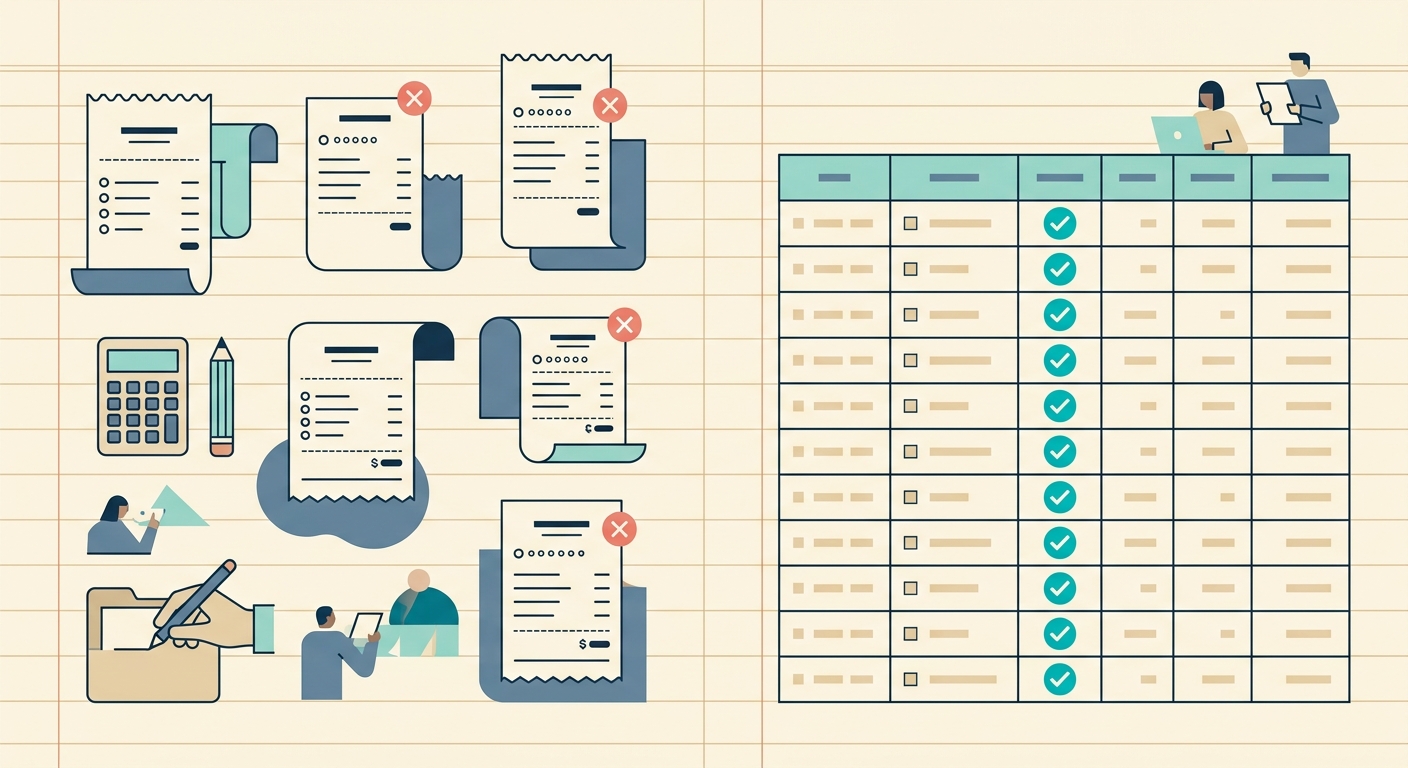
QuickBooks Online and SlipSheet solve different problems, even though both touch your bookkeeping workflow. QuickBooks Online is full accounting software: invoicing, bank feeds, payroll, tax forms, and a chart of accounts. SlipSheet is a focused receipt-to-spreadsheet tool: scan or upload a receipt, pull out the merchant, date, total, and tax, and export to CSV, Google Sheets, Excel, or QuickBooks.
The honest question for a freelancer, small business owner, or bookkeeper is: which one do you actually need? In many cases, the answer is both. This comparison breaks down where each tool excels, where it falls short, and how to decide whether to switch, layer, or skip.
What QuickBooks Online does well
QuickBooks Online is the dominant player in cloud accounting for a reason. It handles the full ledger: bank and credit card feeds that match transactions automatically, invoicing and payment links for clients, 1099 generation, payroll add-ons, sales tax tracking across states, and a real chart of accounts. If you need GAAP-compliant books, multi-entity support, or an accountant who can log in and close your books remotely, QuickBooks Online is built for that.
Receipt management inside QuickBooks Online has improved. The receipt capture feature reads totals, dates, and merchants from photos, attaches the image to the matched transaction, and stores it inside the platform. For users already inside the QuickBooks ecosystem, the workflow is tight: snap a receipt, match the bank feed line, attach, done.
Where QuickBooks Online falls short for receipt capture
The friction shows up when receipts are the center of your day. Three areas, in particular:
- Capture is locked inside QuickBooks. If your bookkeeper uses Wave or your client wants a Google Sheet, the receipt data cannot easily leave QuickBooks without manual export. You end up re-keying into a spreadsheet anyway.
- Bulk scan is slow. Receipts are captured one at a time, or in small batches. A shoebox of 200 receipts takes weeks to process inside the QuickBooks mobile app.
- Spreadsheet-first workflows are second-class citizens. QuickBooks assumes you want the data inside its own reports. If you build custom dashboards in Google Sheets or run pivot tables in Excel, exporting from QuickBooks loses line-item detail.
None of these are dealbreakers if you are running full books inside QuickBooks. They are dealbreakers if you wanted QuickBooks mainly as a receipt scanner and discovered you are paying for a full accounting suite you barely use.
What SlipSheet does differently
SlipSheet is built around one job: get receipt data into a spreadsheet, fast, accurately, without typing. You upload a photo or PDF, the OCR pulls merchant, date, total, tax, and line items, and you get a clean row ready to drop into Sheets, Excel, CSV, or QuickBooks. The whole flow takes seconds per receipt.
The differentiators that matter when you compare the two:
- Spreadsheet-first output. SlipSheet is designed for people whose accounting happens in Google Sheets or Excel first, then gets posted to a formal ledger. You are not forcing receipts into a chart of accounts; you are building a clean log.
- Bulk processing. Upload a whole folder of receipts at once. Duplicate detection flags repeat scans. A 200-receipt shoebox finishes in minutes, not weeks.
- Direct QuickBooks export. When you are ready to post the data into QuickBooks, SlipSheet exports in a format that maps to QuickBooks expense entries. You get the best of both: spreadsheet speed, QuickBooks compliance.
- 14-day free trial, no card required. SlipSheet's pricing is a flat monthly fee for freelancers and small businesses, with a 14-day trial to test against your own receipts before committing.
Who should stick with QuickBooks Online
If you run a multi-state business with payroll, sales tax filings, 1099 contractors, and an accountant who closes the books monthly, QuickBooks Online is the right home for your ledger. SlipSheet complements it as the capture layer in front, but it does not replace that infrastructure.
If your accountant insists on closing books inside QuickBooks and you only need a faster way to get receipts in, QuickBooks' built-in receipt capture is fine for low volume (under 50 receipts per month).
Who should switch (or layer SlipSheet on top)
SlipSheet is the better primary tool if:
- You live in Google Sheets or Excel for your books, and QuickBooks is overkill.
- You process 50+ receipts per month and the mobile capture queue is killing you.
- You bill clients hourly and want a clean expense log you control, not a locked QuickBooks report.
- You are a bookkeeper who manages receipts for multiple clients in different stacks.
In any of these cases, SlipSheet can be your receipt-to-spreadsheet layer, with optional export to QuickBooks when the client needs formal books.
Common comparison questions
Does SlipSheet replace QuickBooks? No. SlipSheet is a capture and export layer. If you need full books, payroll, and tax filings, keep QuickBooks and use SlipSheet as the faster receipt intake.
Can SlipSheet export to QuickBooks? Yes. The CSV and IIF exports map cleanly to QuickBooks expense entries. You capture in SlipSheet, post in QuickBooks.
Is SlipSheet cheaper than QuickBooks? For pure receipt capture, yes. QuickBooks' receipt feature is bundled into plans starting around $30/month. SlipSheet is a flat fee for unlimited receipt processing, with a 14-day trial.
What about accuracy? SlipSheet's OCR handles printed thermal receipts (the common case) with high accuracy on merchant, date, total, and tax. Handwritten receipts and faded thermal paper still need a quick review.
The short version: QuickBooks Online is a full accounting suite with a receipt feature. SlipSheet is a receipt-to-spreadsheet specialist with QuickBooks export. Pick the layer you actually need.
Ready to try a faster receipt workflow? Start a free 14-day trial of SlipSheet at slipsheet.app and run your next shoebox of receipts through it. No credit card required.
FAQ
Does SlipSheet replace QuickBooks Online?
No. SlipSheet is a focused receipt-to-spreadsheet layer; QuickBooks Online is full accounting software. Many users run both: SlipSheet for fast capture, QuickBooks for the formal ledger.
Can SlipSheet export receipts directly into QuickBooks?
Yes. SlipSheet exports to CSV and IIF in a format that maps cleanly to QuickBooks expense entries, so you can capture fast and post into QuickBooks when ready.
Who is QuickBooks Online a better fit for?
Businesses running full books with payroll, sales tax, multi-state filings, and an accountant closing the books monthly. QuickBooks is built for that workflow.
Who is SlipSheet a better fit for?
Freelancers, small business owners, and bookkeepers who live in Google Sheets or Excel, process 50+ receipts per month, or want a clean expense log they control.
How accurate is SlipSheet's OCR on thermal receipts?
SlipSheet pulls merchant, date, total, and tax from printed thermal receipts with high accuracy. Handwritten or faded receipts still benefit from a quick visual review.