An HVAC service van is a rolling parts catalog: capacitors, contactors, refrigerant lines, filter racks, thermostats, gas valves, blower motors. Every one of those parts comes with a receipt, and every receipt has a job number, a customer name, and a tax-deductible dollar amount attached to it. Lose the paper and you lose the deduction; lose the deduction and your margins disappear faster than a 20-year-old capacitor in July.
A receipt organizer for HVAC contractors isn't about being neat. It's about keeping a clean, searchable record of every part, every job, and every job-related expense so you can bill it back to the customer, claim it on taxes, or hand it to your bookkeeper without a shoebox full of faded thermal paper.
The problem: receipts go where the job goes
HVAC work doesn't happen at a desk. It happens in attics in August, on rooftops in February, and in customers' crawl spaces at 6 PM on a Friday. You buy a $140 condenser fan motor at the supply house between calls, scan the barcode with your phone in the parking lot, and toss the printed receipt in the cab. By the end of the week the receipts have migrated to the floor, the door pocket, the passenger seat, and eventually a folder in the office that nobody updates.
Sound familiar? You're not alone. Most independent HVAC shops and small contractors lose between 5 and 15 percent of their annual parts and supply spend to undocumented expenses, because the receipt never makes it from the truck to the books.
Why a paperless organizer matters for HVAC shops
A dedicated receipt organizer built for trades work does three things a shoebox and a spreadsheet can't:
- Captures receipts at the point of purchase, so the paper never leaves your pocket.
- Reads the merchant, date, total, and tax automatically, so you're not typing line items into QuickBooks at 9 PM.
- Links each receipt to a job, customer, or job site, so reimbursable parts and warranty replacements stay separate from general overhead.
The IRS requires you to keep receipts for any business expense over $75, and for all expenses if you're filing Schedule C and want to claim them at audit. A 3-year retention window is the minimum; many states recommend 7 years for contractors who deal with warranty work and customer disputes.
How SlipSheet helps HVAC contractors stay organized
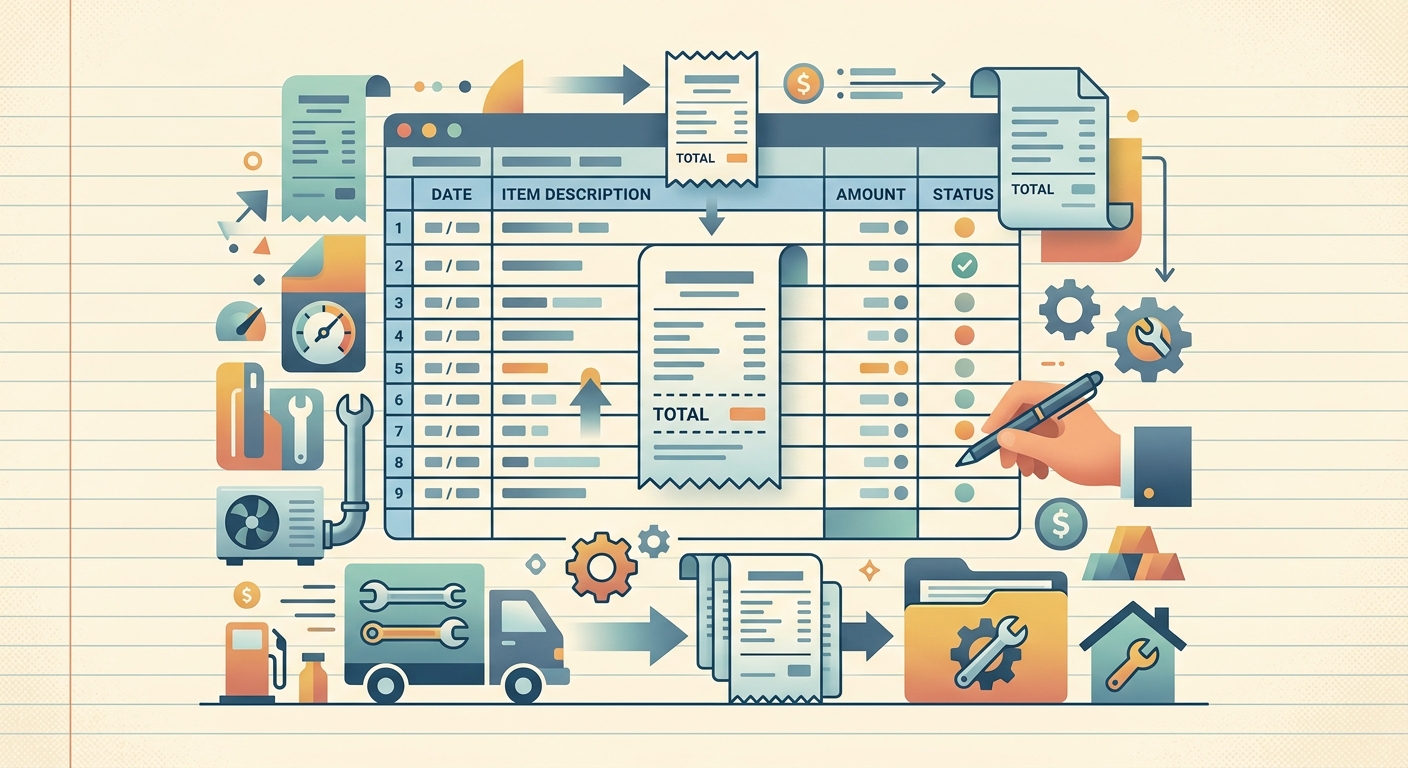
SlipSheet is a receipt scanner built for people whose office is a truck. You snap a photo of the receipt the moment it prints, the app reads the merchant, date, total, tax, and payment method, and the line lands in a Google Sheet or Excel workbook organized by job, category, or vendor.
For HVAC work specifically, SlipSheet handles the receipts that come back stained: condenser coils with condensation on the paper, refrigerant cylinders with grease smudges, supply-house invoices where the totals wrap across two print lines. The OCR is tuned for thermal receipts, not just clean office printouts.
A day-in-the-life: receipts from a typical HVAC route
Here's what an organized day looks like for a two-tech residential HVAC crew:
- 7:30 AM, first stop is the supply house for a contactor and a 45/5 dual capacitor. Snap the receipt, tag it "Job #4218 — Williams residence."
- 9:15 AM, second job needs a new blower motor. Charge the customer, capture the parts receipt on the way back to the van.
- 12:30 PM, lunch stop for gas — capture the fuel receipt as "vehicle — Job #4218."
- 3:00 PM, one warranty call for a refrigerant top-off. Tag the receipt as "warranty — non-billable" so the warranty reserve account stays clean.
- 5:30 PM, back at the shop. Open the SlipSheet export, everything's already sorted by job, customer, and category. One sheet to your bookkeeper, one to your accountant at year-end, one kept in your own records.
That's five receipts, five photos, zero data entry. The whole export to your bookkeeper is one email.
What to look for in a receipt organizer for HVAC work
Not every receipt app is built for contractors. When you're comparing options, look for these five things:
- Mobile-first capture — you need to scan from the truck, not a desktop computer.
- Thermal receipt OCR — most office apps fail on the low-contrast printouts from supply houses and gas pumps.
- Job and customer tagging — without it, you can't separate billable parts from overhead.
- Spreadsheet and QuickBooks export — CSV, Google Sheets, or direct QBO integration.
- Multi-page handling — supply house invoices often run two or three pages; the app needs to stitch them.
If your current app is missing two or more of those, you're probably retyping data by hand somewhere, and that's where the time goes.
Getting started
If you're ready to stop losing receipts between the truck and the books, SlipSheet runs a 14-day free trial with no credit card required. Snap a photo of your first supply-house receipt, tag it with the job number, and watch the line item appear in your spreadsheet in under 3 seconds. If you run a one-tech shop or a 10-truck operation, the workflow is the same, and the audit trail is the same: every receipt, every job, every year, searchable in one place.
Stop digging through the van for last March's refrigerant receipt. Start a SlipSheet trial and get your HVAC receipts off the floor and into your books.
FAQ
Why do HVAC contractors need a dedicated receipt organizer?
HVAC receipts come from supply houses, gas stations, and parts vendors across multiple job sites each day. A dedicated app captures them on the phone, reads thermal-printout line items, and tags them by job so reimbursable parts and overhead stay separated for billing and tax filing.
How long should HVAC contractors keep receipts?
The IRS requires you to keep receipts for any business expense over $75 for at least 3 years, and longer if the return included a loss. Many contractors keep 7 years to cover warranty disputes, customer chargebacks, and state-level audits.
Can SlipSheet read faded thermal receipts from supply houses?
Yes. SlipSheet's OCR is tuned for thermal printouts with low contrast, smudges, and condensation marks, the kinds of receipts HVAC techs get at supply houses, gas pumps, and refrigerant vendors.
Does the app let me tag a receipt by job or customer?
Every SlipSheet receipt can be tagged with a job number, customer name, or category like billable, warranty, overhead, or vehicle. The tags flow into the spreadsheet export so your bookkeeper can sort by job without re-keying anything.
Can I export my HVAC receipts to QuickBooks or Google Sheets?
SlipSheet exports to CSV, Google Sheets, and Excel. You can hand the file straight to a bookkeeper or import it into QuickBooks Online as a journal entry or expense line, with the merchant, date, total, tax, and job tag preserved.