Toggl Track vs SlipSheet: Choosing Your Essential Business Tool
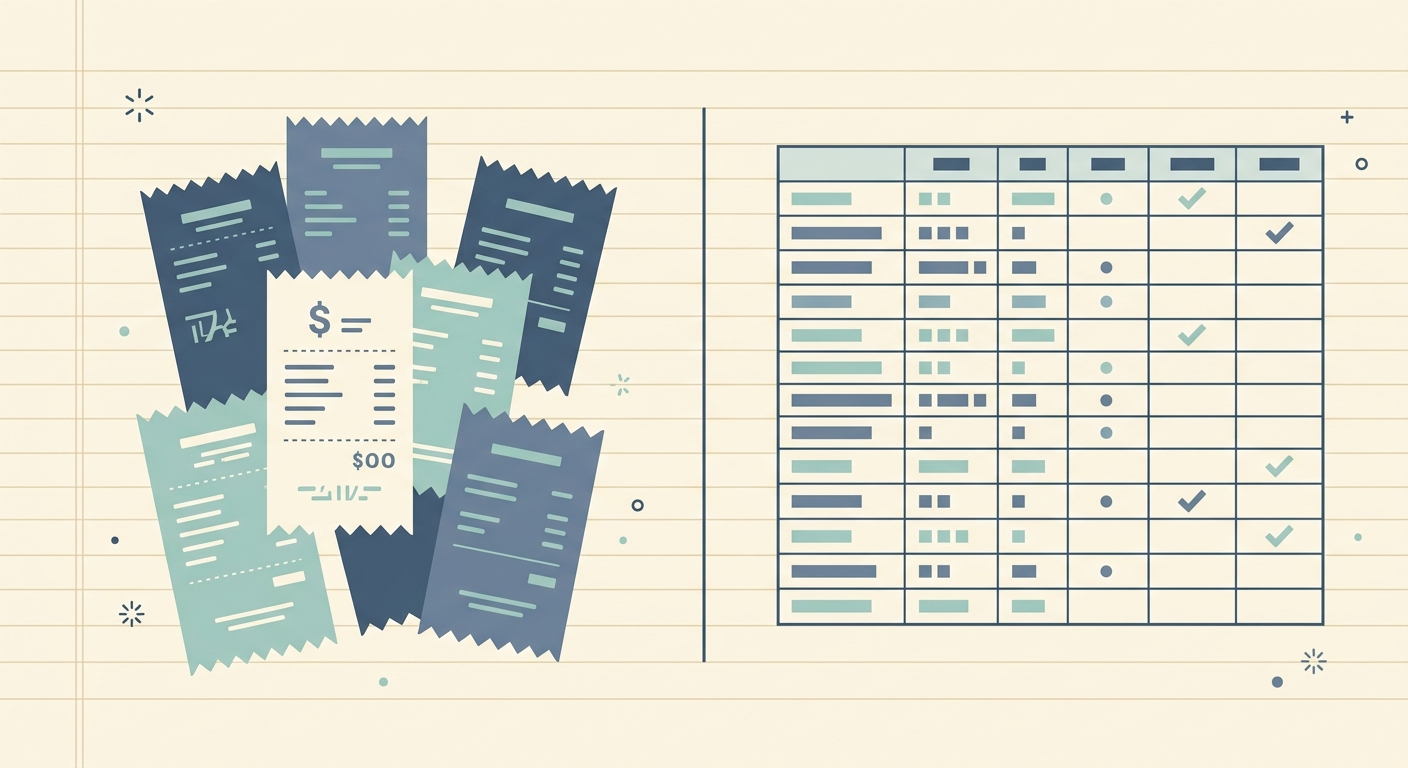
In today's fast-paced business environment, effective management of time and expenses is crucial for success. Many tools promise to streamline these processes, but their core functionalities often differ significantly. This comparison, Toggl Track vs SlipSheet, delves into two distinct applications, each excelling in its specific domain. Toggl Track is a widely recognized leader in time tracking and project management, while SlipSheet offers a highly focused solution for transforming receipt photos and email receipts into structured spreadsheet data.
Understanding the primary purpose of each tool is key to making an informed decision. Are you primarily looking to monitor employee hours, track project progress, and manage team workloads? Or is your main challenge turning a pile of physical and digital receipts into organized, exportable expense records for accounting or personal finance? This article will break down their features, helping you determine which tool, or perhaps even both, best suits your operational needs.
Receipt Capture and Input Methods
When it comes to inputting financial data, the methods supported by an application can significantly impact user convenience and efficiency. Here, Toggl Track and SlipSheet diverge considerably due to their differing primary functions.
- Toggl Track: Primarily designed for time entry, Toggl Track's input methods revolve around starting and stopping timers, manually entering time blocks, and associating these entries with projects and clients. While it allows users to attach files, including receipts, to time entries or projects, it does not offer dedicated features for intelligent receipt capture. Users typically upload receipts as static documents, which then require manual data extraction if expense tracking is needed. Its strength lies in its intuitive time logging across various platforms, from web and desktop apps to mobile and browser extensions.
- SlipSheet: This is where SlipSheet truly shines. Its core functionality is built around effortless receipt capture. Users can simply snap a photo of a physical receipt using their smartphone, or forward email receipts directly to a unique SlipSheet email address. The system is designed to immediately process these inputs, recognizing that the primary goal is to get financial data into a usable format. This focus makes SlipSheet an ideal tool for individuals and small businesses overwhelmed by manual receipt handling.
Data Extraction and Organization Capabilities
Beyond mere input, the ability of a tool to intelligently extract and organize data determines its true utility for accounting and reporting.
- Toggl Track: Toggl Track excels at extracting and organizing time-related data. It meticulously tracks project time, billable hours, task durations, and team activity. Users can categorize time entries by project, client, and tags, generating detailed reports on time usage and productivity. While it can store receipt images, it does not perform optical character recognition (OCR) or automated data extraction from these images. Any expense data associated with a project typically needs to be manually entered or managed through integrated accounting software.
- SlipSheet: SlipSheet employs advanced OCR and machine learning technologies to automatically extract key information from every receipt. This includes the vendor name, date of purchase, total amount, currency, and even individual line items when detectable. Once extracted, this data is structured into clean, organized rows, ready for immediate use. This automated process eliminates the tedious and error-prone task of manual data entry, providing users with a reliable and accurate dataset for their expenses.
Export Capabilities and Data Utility
The true value of any data management tool often lies in its ability to export data in a flexible and usable format for further analysis or integration with other systems.
- Toggl Track: Toggl Track offers robust export options for its time tracking data. Users can generate comprehensive reports in various formats, including CSV, PDF, and Excel. These exports are invaluable for client invoicing, payroll processing, project profitability analysis, and compliance. The focus is on providing detailed breakdowns of time spent, allowing businesses to understand resource allocation and project costs effectively.
- SlipSheet: SlipSheet is built with a "spreadsheet-first" philosophy for expense data. Its primary output is designed to be directly consumable by spreadsheet applications and accounting software. Users can export their organized receipt data as a CSV file, directly to Google Sheets, or as an Excel spreadsheet. This seamless integration ensures that expense information is readily available for budgeting, tax preparation, and financial reconciliation, saving significant time and reducing potential errors associated with manual transcription. For anyone who lives in spreadsheets for their expense tracking, SlipSheet is an indispensable asset.
Integrations and Ecosystem
The ability of a tool to integrate with other platforms can significantly extend its functionality and streamline workflows.
- Toggl Track: Toggl Track boasts a broad range of integrations, connecting with popular project management tools like Asana and Trello, accounting software such as QuickBooks and Xero, and various calendar applications. This extensive ecosystem allows Toggl Track to fit seamlessly into diverse work environments, enhancing project oversight and billing processes. Its integrations are geared towards a holistic approach to time and project management.
- SlipSheet: SlipSheet's integration strategy is focused on its core mission: getting receipt data into spreadsheets and expense systems efficiently. While specific direct integrations may be more niche, its ability to export clean CSV and Google Sheets data makes it highly compatible with virtually any accounting software or personal finance application that accepts spreadsheet imports. This universal export capability, potentially combined with tools like Zapier, allows SlipSheet to serve as a powerful front-end for expense data capture, feeding information into a user's preferred financial ecosystem.
Pricing Models and Value Proposition
Understanding the pricing structure and the value each tool delivers for its cost is essential for budget-conscious users.
- Toggl Track: Toggl Track offers a tiered pricing model, including a generous free plan for basic time tracking. Paid plans, such as Starter, Premium, and Enterprise, unlock advanced features like billable rates, project dashboards, team management, and priority support. Its value proposition lies in providing a comprehensive, scalable solution for time tracking and project management for individuals, small teams, and large enterprises alike.
- SlipSheet: SlipSheet's pricing is typically structured to reflect its specific value proposition: automating receipt data entry. This might involve a subscription model based on the volume of receipts processed or a flat fee for unlimited use. Its value is derived from the significant time savings and increased accuracy it provides by eliminating manual data entry, making it an affordable alternative to traditional bookkeeping services for simple expense tracking. For users who need a dedicated, efficient way to manage receipts without the overhead of a full-fledged accounting system, SlipSheet offers immense value.
In conclusion, the choice between Toggl Track and SlipSheet depends entirely on your primary needs. If your business revolves around meticulous time tracking, project management, and team productivity, Toggl Track is an unparalleled solution. Its robust features and extensive integrations make it a cornerstone for operational efficiency.
However, if your recurring headache is the mountain of receipts and the manual effort required to log them into spreadsheets for expense reports, tax purposes, or personal budgeting, then SlipSheet is the focused, elegant solution you need. It's designed for the spreadsheet-first user who values accuracy, automation, and simplicity in expense data management. Ready to streamline your expense tracking and turn messy receipts into clean spreadsheet data? Visit slipsheet.app today and experience the difference.
FAQ
What is the main difference between Toggl Track and SlipSheet?
Toggl Track is primarily a time tracking and project management tool, focusing on monitoring hours and project progress. SlipSheet, conversely, is a specialized tool for converting receipt photos and email receipts into structured spreadsheet rows for expense management.
Does Toggl Track help with automated receipt data entry?
No, Toggl Track allows you to attach receipt files to entries, but it does not feature automated optical character recognition (OCR) or data extraction from receipts. Expense data typically needs to be entered manually.
How does SlipSheet handle receipt capture?
SlipSheet allows users to capture receipts by taking a photo with their smartphone or by forwarding email receipts to a dedicated address. It then uses AI and OCR to automatically extract key data points.
Which tool is better for exporting data to spreadsheets for expense tracking?
SlipSheet is specifically designed for this purpose, offering direct exports of organized receipt data to CSV, Google Sheets, or Excel. Toggl Track exports time-related reports, not detailed expense data from receipts.
Who would benefit most from using SlipSheet?
SlipSheet is ideal for small businesses, freelancers, and individuals who need a simple, accurate, and automated way to turn physical and digital receipts into clean, spreadsheet-ready expense data for budgeting, accounting, or tax preparation.