In the world of personal finance and small business accounting, receipts are a necessary evil. They are crucial for tracking expenses, managing budgets, and preparing for tax season. However, anyone who has ever wrestled with a stack of paper receipts or an overflowing email inbox knows the struggle: inconsistent vendor names. One transaction might show “Starbucks #1234”, another “STARBUCKS COFFEE”, and a third simply “SBX”. This inconsistency creates a chaotic spreadsheet, making accurate analysis and expense categorization a nightmare. This is precisely where the power of automated vendor name cleanup becomes indispensable, and it is a core feature that SlipSheet excels at, transforming your messy receipt data into clean, actionable insights.
The manual process of standardizing merchant names is tedious, time-consuming, and prone to human error. Imagine spending hours manually editing hundreds of rows in a spreadsheet, ensuring “Amazon.com”, “AMZN PRIME”, and “Amazon Web Services” all consolidate under a single, consistent “Amazon” entry. This task, while critical for data integrity, detracts from more important financial analysis or business operations. SlipSheet was designed to eliminate this chore, providing robust vendor name cleanup that automatically normalizes your merchant data, allowing you to focus on what truly matters.
The Frustration of Messy Vendor Names and SlipSheet's Solution
The problem of inconsistent vendor names stems from various sources. Point-of-sale systems, online payment gateways, and even different branches of the same store often report merchant names with slight variations. These can include store numbers, specific locations, transaction IDs, website domains, or payment processor details appended to the actual vendor name. For instance, a purchase from “Target” might appear as “TARGET #2345 NYC”, “TARGET.COM”, or “TARGET CORP”. Without a systematic approach to vendor name cleanup, your financial records quickly become a jumbled mess.
This data inconsistency leads to several significant headaches:
- Inaccurate Reporting: Trying to understand how much you spent at a particular vendor becomes challenging when their name appears in multiple forms, leading to skewed reports and poor financial decisions.
- Time-Consuming Manual Corrections: Before you can even begin analysis, you are forced into a laborious manual cleanup process, which eats into valuable time.
- Difficulty in Budgeting and Forecasting: Without clear, consistent data, setting and sticking to budgets, or accurately forecasting future expenses, becomes significantly harder.
- Tax Preparation Headaches: When tax season arrives, disorganized vendor data can complicate expense categorization and verification, increasing stress and the risk of errors.
SlipSheet addresses these challenges head-on with its intelligent vendor name cleanup feature. By automatically identifying and standardizing merchant names from your receipt photos and email receipts, SlipSheet transforms raw, inconsistent data into clean, uniform entries. This automation not only saves countless hours but also dramatically improves the accuracy and reliability of your financial records.
How SlipSheet Automates Vendor Name Cleanup: A Step-by-Step Guide
Using SlipSheet for automated vendor name cleanup is remarkably straightforward, designed to be intuitive for users of all technical skill levels. The process begins the moment you upload your receipts:
-
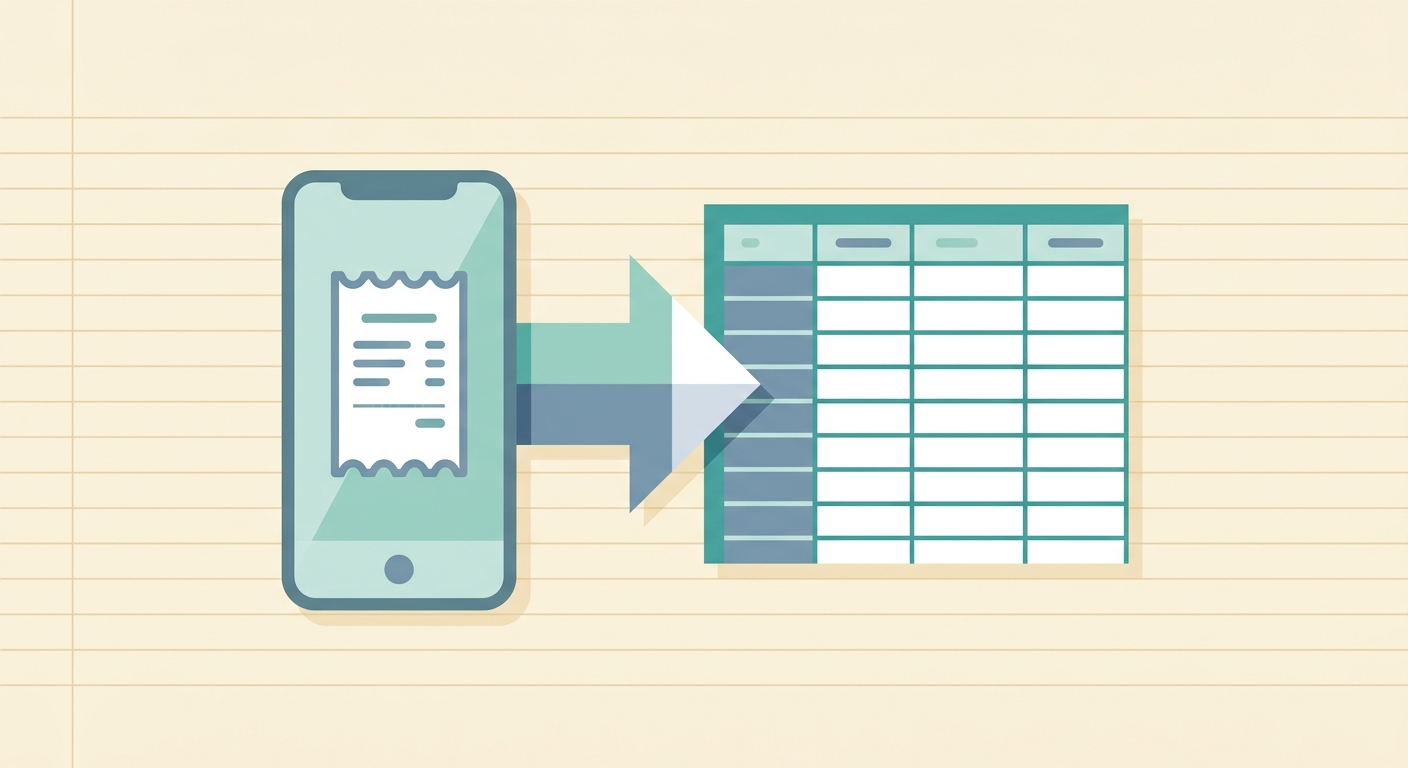
Upload Your Receipts: Simply snap a photo of your paper receipts using your smartphone or forward your email receipts to your unique SlipSheet email address. SlipSheet supports a wide range of receipt formats, making it easy to get all your data into the system.
-
Intelligent Data Extraction: Once uploaded, SlipSheet's advanced Optical Character Recognition (OCR) technology and proprietary algorithms get to work. It meticulously scans your receipts to identify and extract key information, including the vendor name, date, total amount, and line items.
-
Automated Vendor Name Cleanup: This is where SlipSheet truly shines. After extracting the raw vendor name, the system applies its sophisticated normalization logic. It intelligently parses the extracted text, stripping away irrelevant details such as store numbers, location identifiers, transaction codes, and common domain suffixes. For example, “WALMART #3456 DALLAS TX” will be cleaned to simply “Walmart”, and “AMAZON.COM/PRIME MEMBERSHIP” will become “Amazon”.
-
Export Clean Data: Once processed, your cleaned and categorized data is ready for export. SlipSheet allows you to download your expense data into a perfectly organized spreadsheet, typically in CSV or Excel format, with consistent vendor names in every row. This clean output is instantly ready for import into your accounting software, budgeting tools, or for direct analysis.
The beauty of SlipSheet's approach is its hands-off nature. You do not need to configure complex rules or manually tag vendors. The system learns and adapts, continually improving its accuracy with every receipt processed, ensuring that your vendor name cleanup is always top-notch.
Under the Hood: Technical Aspects of SlipSheet's Vendor Name Normalization
The effectiveness of SlipSheet's vendor name cleanup is rooted in its advanced technical architecture, which combines cutting-edge AI and machine learning with robust pattern recognition. When a receipt is processed, the system does more than just read text; it understands context.
-
Pattern Recognition: SlipSheet is trained on a vast dataset of real-world receipts, allowing it to recognize common patterns associated with vendor names. It can distinguish between a core merchant name and extraneous information like store numbers, addresses, or dates embedded within the vendor field.
-
Contextual Analysis: The system employs algorithms that analyze the surrounding text and common receipt structures to infer the true vendor name. For instance, it knows that terms like “STORE #”, “LOCATION:”, “.COM”, or common payment processor names (e.g., “SQ *”) are typically modifiers to be removed or ignored for normalization.
-
Fuzzy Matching and Aliasing: To handle variations like abbreviations or slight misspellings, SlipSheet utilizes fuzzy matching techniques. It also maintains an internal database of common vendor aliases, allowing it to map various forms of a vendor name to a single, standardized entry. For example, “McDonald's” and “MCDONALDS” will consistently resolve to “McDonald's”.
-
Continuous Learning: SlipSheet's algorithms are not static. They continuously learn and improve from the collective data processed, enhancing accuracy over time. This means the more receipts SlipSheet processes, the smarter and more precise its vendor name cleanup becomes for all users.
This sophisticated backend ensures that regardless of how a vendor name appears on a receipt, SlipSheet is highly effective at extracting and normalizing it to a clean, consistent format, providing you with reliable data every time.
Real-World Applications: Who Benefits from Automated Vendor Name Cleanup?
The benefits of SlipSheet's automated vendor name cleanup extend across a wide spectrum of users, making financial management simpler and more efficient for many individuals and businesses.
-
Small Business Owners: Managing expenses is critical for small businesses. Consistent vendor names streamline bookkeeping, simplify expense categorization, and provide a clearer picture of spending habits, which is invaluable for budgeting and operational efficiency.
-
Freelancers and Independent Contractors: Tracking business expenses for tax deductions is paramount. SlipSheet ensures all your expenses are neatly organized by vendor, making tax preparation less stressful and more accurate.
-
Individuals Managing Personal Finances: For those tracking household budgets or personal spending, consistent vendor data helps in understanding where money goes, identifying spending patterns, and making informed financial decisions.
-
Accountants and Bookkeepers: Professionals who manage multiple client accounts often receive receipts in various formats. SlipSheet’s vendor name cleanup capability significantly reduces the time spent on data entry and standardization, allowing them to focus on higher-value advisory services.
-
Travelers and Remote Workers: Individuals who frequently incur expenses for travel, meals, or office supplies can quickly process and organize their receipts, ensuring accurate reimbursement claims and expense reports.
In essence, anyone who deals with a significant volume of receipts and needs accurate, organized financial data stands to gain immensely from SlipSheet’s powerful vendor name cleanup feature.
Maximizing Your Cleanup: When to Adjust SlipSheet's Settings or Upgrade
While SlipSheet’s automated vendor name cleanup is highly effective out of the box, there might be scenarios where users wish to fine-tune its behavior or explore advanced capabilities. SlipSheet is designed with flexibility in mind, offering options to optimize your experience.
-
Reviewing and Feedback: For the vast majority of common vendors, SlipSheet will deliver perfect results. However, if you encounter a very niche or unusual vendor name that SlipSheet does not quite normalize to your preference, you can often provide feedback within the application. This feedback helps the system learn and improve, ensuring even better accuracy for future receipts and contributing to the overall intelligence of the platform.
-
Custom Aliases (Advanced Plans): For users with very specific categorization needs or internal naming conventions, advanced SlipSheet plans may offer features to create custom vendor aliases. This allows you to define how certain raw vendor names should always be standardized, providing granular control over your data output. For example, you could set “Costco Wholesale” to always appear as “Costco (Warehouse Club)” in your final spreadsheet.
-
Integration with Accounting Software: While not directly a setting for vendor name cleanup, integrating SlipSheet with your preferred accounting software can further enhance the cleanup process. By syncing with existing vendor lists in your accounting system, SlipSheet can learn and prioritize those names, ensuring seamless data flow and consistent categorization across platforms.
-
Monitoring and Spot-Checking: Even with powerful automation, it is good practice to periodically review your processed data, especially after a period of heavy receipt processing. This allows you to quickly identify any anomalies and ensure the vendor name cleanup is meeting your specific requirements. Such reviews are quick thanks to SlipSheet’s organized output.
SlipSheet continuously evolves, and its commitment to accurate vendor name cleanup remains a top priority. Exploring the features and providing feedback helps ensure you get the most out of this invaluable tool.
Eliminating the tedious chore of manual vendor name cleanup is one of the most significant advantages SlipSheet offers. By transforming chaotic receipt data into clean, structured information, SlipSheet empowers you to manage your finances with greater accuracy, less effort, and more confidence. Say goodbye to spreadsheet headaches and hello to streamlined financial management. Experience the future of receipt organization and powerful vendor name cleanup.
Ready to bring order to your financial chaos? Visit slipsheet.app today to start your journey towards perfectly organized expenses.
FAQ
What is vendor name cleanup?
Vendor name cleanup is the process of standardizing inconsistent merchant names from receipts into a single, uniform format. This ensures that 'Starbucks #123' and 'STARBUCKS COFFEE' both appear as 'Starbucks' in your financial records.
How accurate is SlipSheet's vendor name cleanup?
SlipSheet employs advanced AI and machine learning algorithms, trained on vast datasets, to achieve high accuracy in vendor name cleanup. It continuously learns and improves, providing reliable normalization for most common and many niche vendors.
Can I customize the cleaned vendor names in SlipSheet?
While SlipSheet's default automation is highly effective, advanced plans may offer features for creating custom vendor aliases. This allows you to define specific naming conventions for your financial reports.
What types of receipts does SlipSheet support for vendor name cleanup?
SlipSheet supports both photo receipts, captured with your smartphone, and email receipts, which you can forward directly to your unique SlipSheet address. It extracts and cleans vendor names from both formats.
How does automated vendor name cleanup save me time?
Automated vendor name cleanup eliminates the need for manual editing of inconsistent merchant names in your spreadsheets. This saves countless hours, allowing you to focus on analysis, budgeting, and other critical financial tasks instead of data entry.