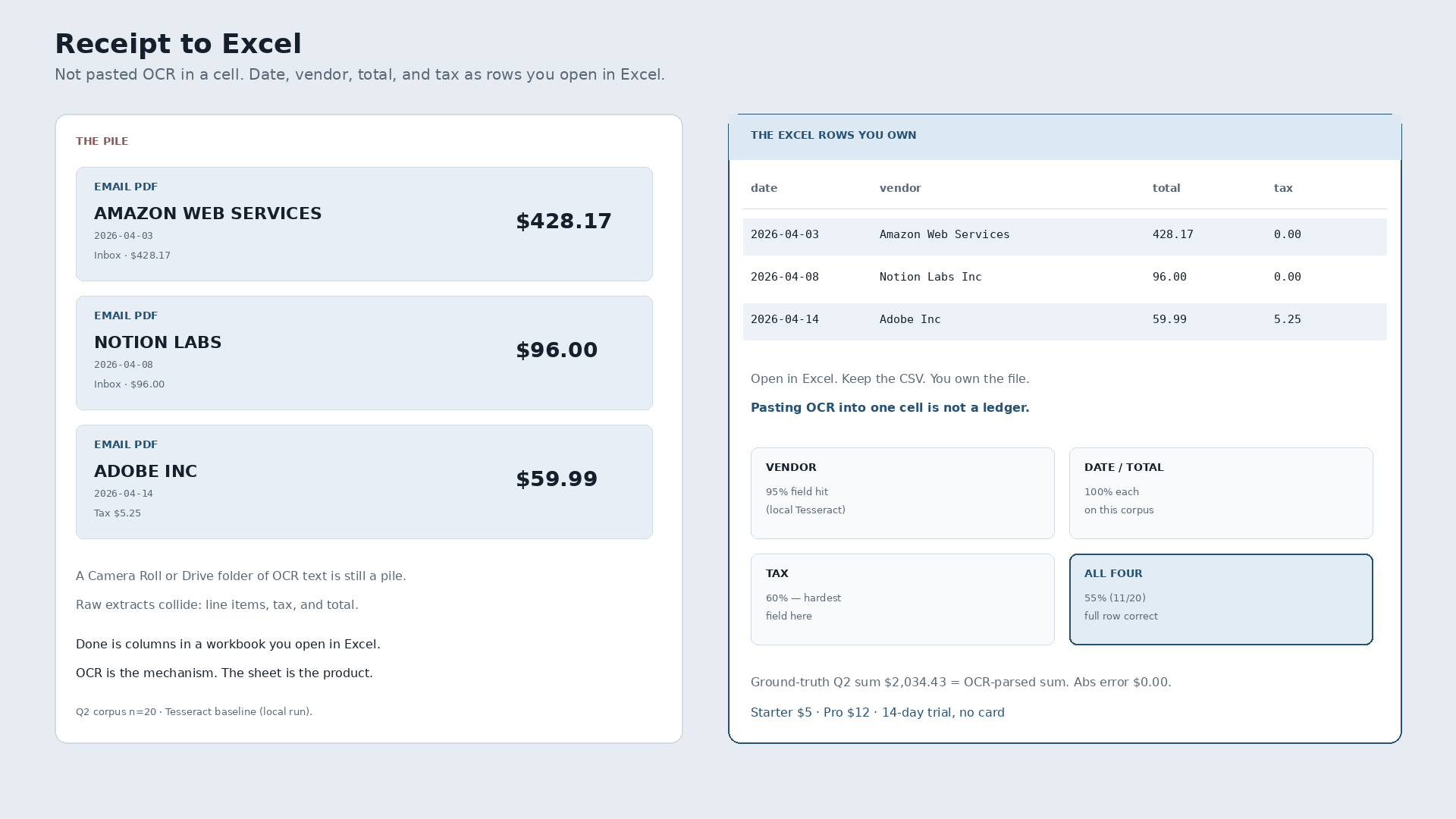
Receipt to Excel is a conversion job. It is not an Excel tutorial. Done means a photo, a PDF, or an emailed slip becomes structured rows — date, vendor, total, tax — in a workbook or CSV you open in Excel. Pasting a blob of OCR text into one cell is not a ledger. It is still a pile.
Email PDF from Amazon Web Services, $428.17, April 3, sitting in an inbox folder named Receipts. Notion Labs, $96.00, April 8, same folder. Adobe Inc, $59.99 plus tax $5.25, April 14. Three files. The job is three rows you can sort, sum, and keep.
What “receipt to Excel” actually means
A receipt is evidence. Excel is a grid. Until the four fields land in columns, you do not have expense rows. You have images, PDFs, or a Drive folder of searchable text. Freelancers who type “receipt to excel” usually want the pile turned into a sheet they already know how to open — not another suite, and not a weekend rebuilding pivot tables from scratch.
AI and OCR pull digits off the page. They are the mechanism, not the story. The story ends when the row is yours.
| Date | Vendor | Total | Tax | Was sitting in |
|---|---|---|---|---|
| 2026-04-03 | Amazon Web Services | 428.17 | 0.00 | Email PDF |
| 2026-04-08 | Notion Labs Inc | 96.00 | 0.00 | Email PDF |
| 2026-04-14 | Adobe Inc | 59.99 | 5.25 | Email PDF |
Those three lines are ground-truth slips from a local Q2 2026 corpus (n=20 synthetic receipts). The before state is files. The after state is columns.
Why a folder of OCR text is not Excel rows
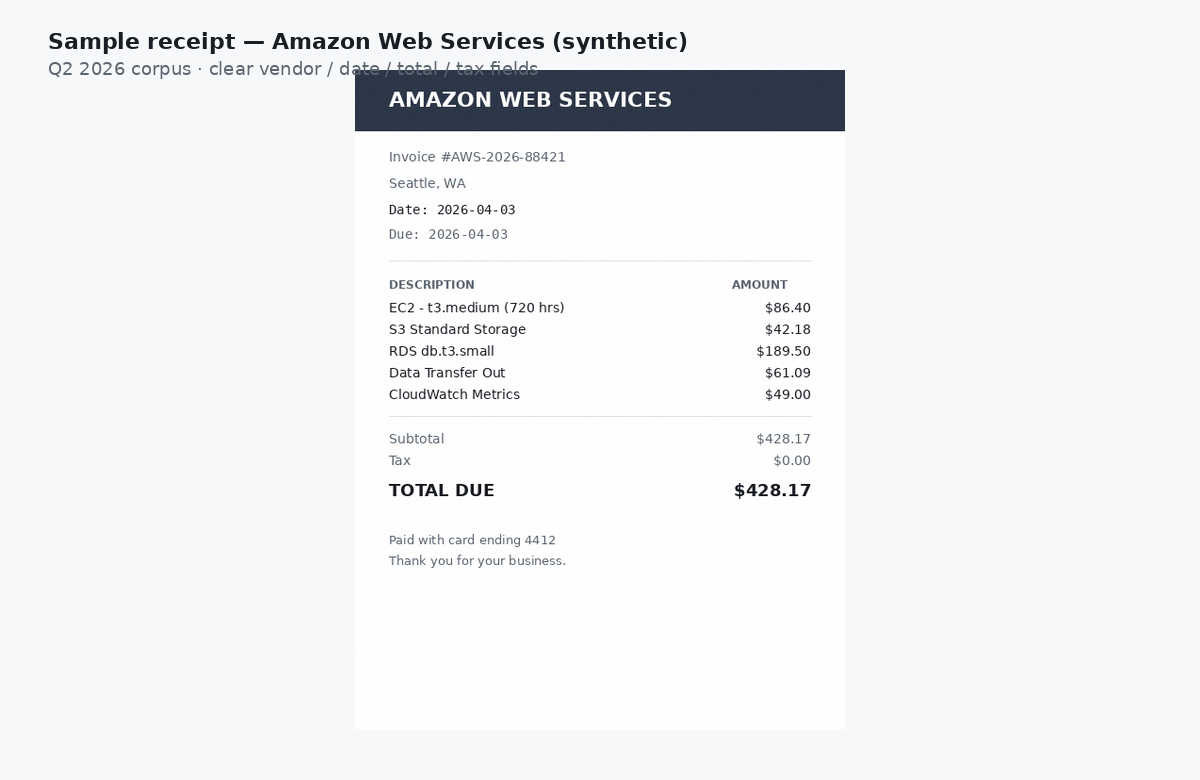
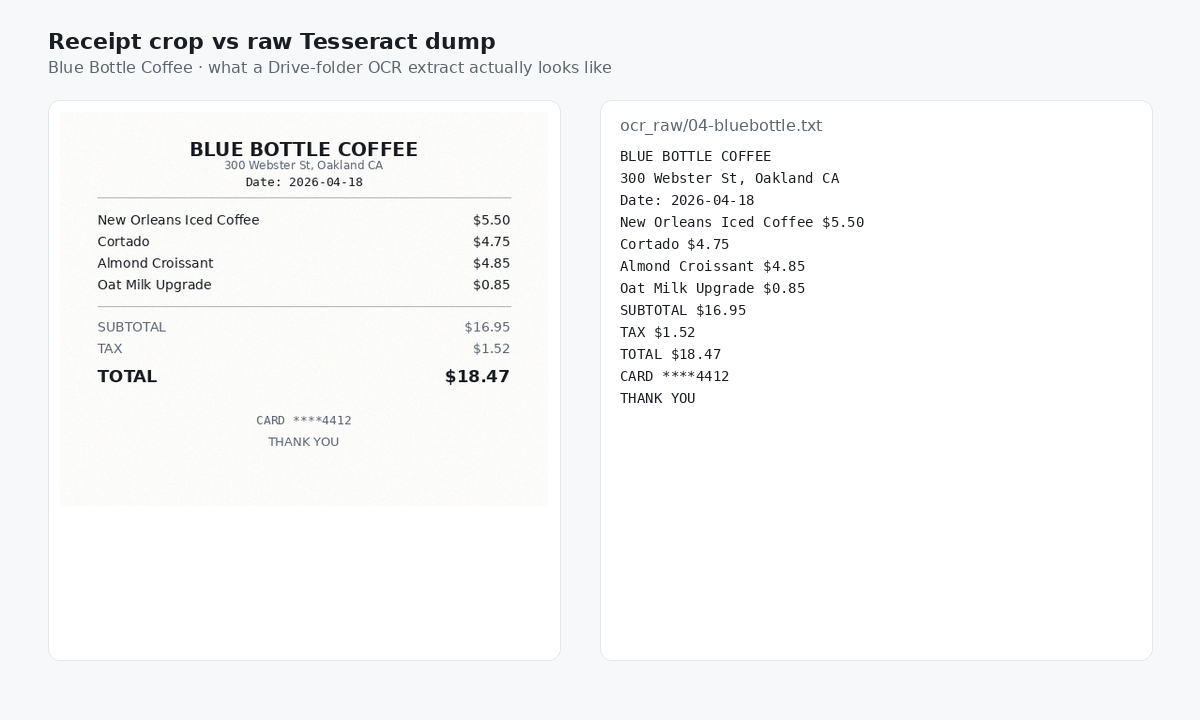
Dump receipts into Drive, run plain OCR, and grep for dollar signs. On this corpus every receipt (20/20) had two or more currency-like amounts — 100% ambiguity. Average 6.05 $-like matches per receipt. 121 matches across the set. Line items, tax, tip, and total collide in the same text blob. A searchable folder is still not a sheet with one total per row.
What a local OCR baseline actually got right
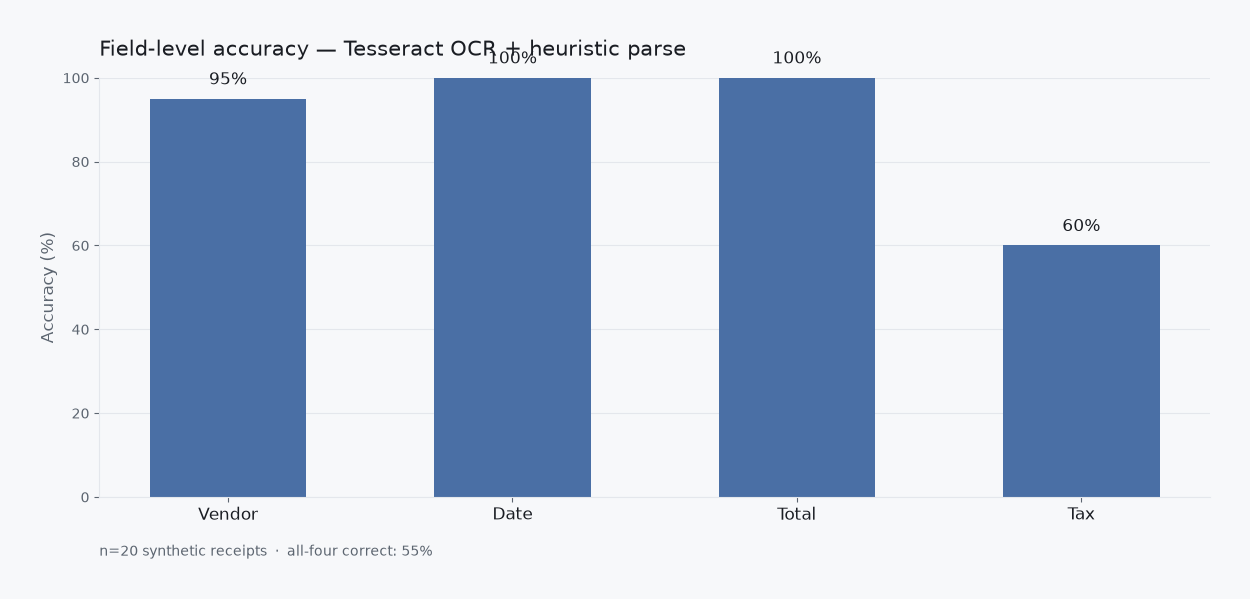
Same n=20 corpus. Tesseract 5.5.0, grayscale + 2× upscale, simple regex parser — a dumb OCR / Drive-like baseline, not a dunk on any named commercial product we did not test the same way.
- Vendor: 95%
- Date: 100%
- Total: 100%
- Tax: 60%
- All four fields correct: 55% (11/20)
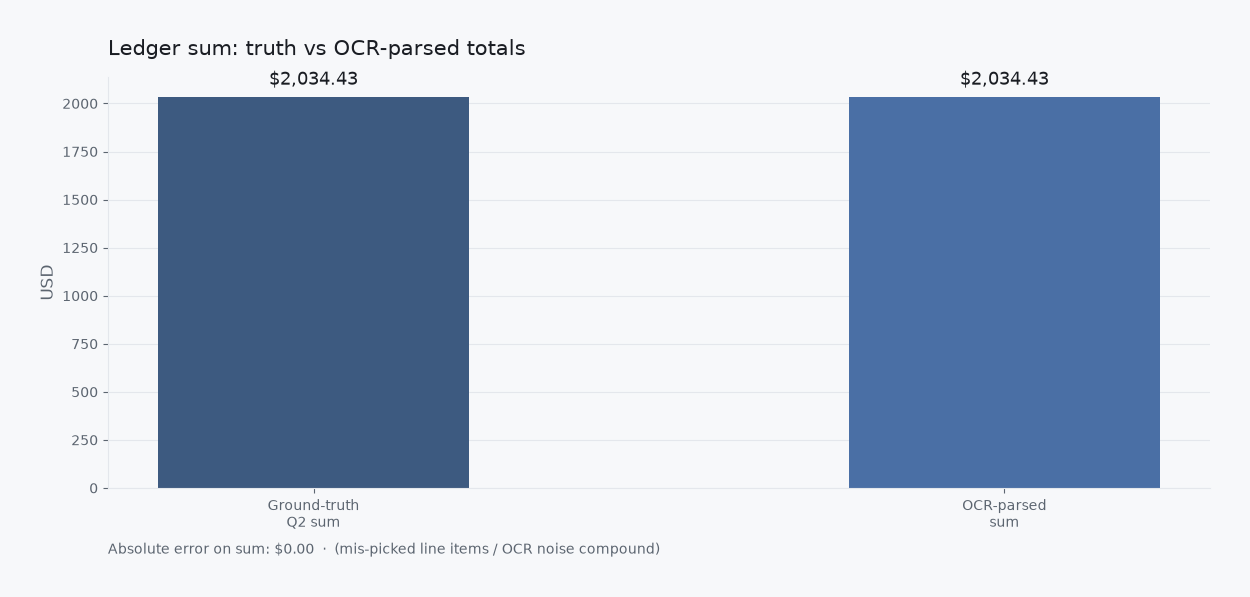
Ground-truth Q2 sum: $2,034.43. OCR-parsed sum: $2,034.43. Absolute error on the sum: $0.00. Field accuracy and sum are different jobs. Tax was the weak field here.
Typing in Excel vs extracting into Excel
A blank workbook is free and empty. You can type every line. That is a real option when volume is tiny. The gap is intake: phone snaps, emailed PDFs, and paper that never becomes a row unless someone finishes the conversion. Sheets is the same job with a different file. A shoebox is not a conversion path.
The broader spreadsheet habit, without the Excel-named query, is how to convert receipts to a spreadsheet. This page is only the receipt-to-Excel question.
What “done” looks like
Forward the AWS PDF. Forward Notion. Forward Adobe. Review three rows. Export. Open the file in Excel, or keep the CSV and open that. You own the file. Import into books later if you still use a suite. That is a choice, not a requirement to start.
Slipsheet Starter is $5 a month for 250 receipts. Pro is $12 a month for 1,500. Fourteen-day trial, no card. Photo, PDF, or forward to the inbox at receipts@slipsheet.app, then CSV or Excel. You still glance at the totals. The conversion is the product.
A few straight answers
Is pasting OCR into Excel enough?
No. A cell full of OCR text is still unstructured. You need one row per slip with date, vendor, total, and tax in their own columns before Excel can sort or sum the week.
Do I need a full expense suite to get receipts into Excel?
Not if the destination is a file you own. Suites win when approvals and corporate cards are the product. Receipt to Excel is finished when the workbook opens with clean rows.
Can I email PDFs instead of retyping?
Yes. Forward the PDF, review the row, export. The inbox folder named Receipts is the before state. The sheet is the after state.